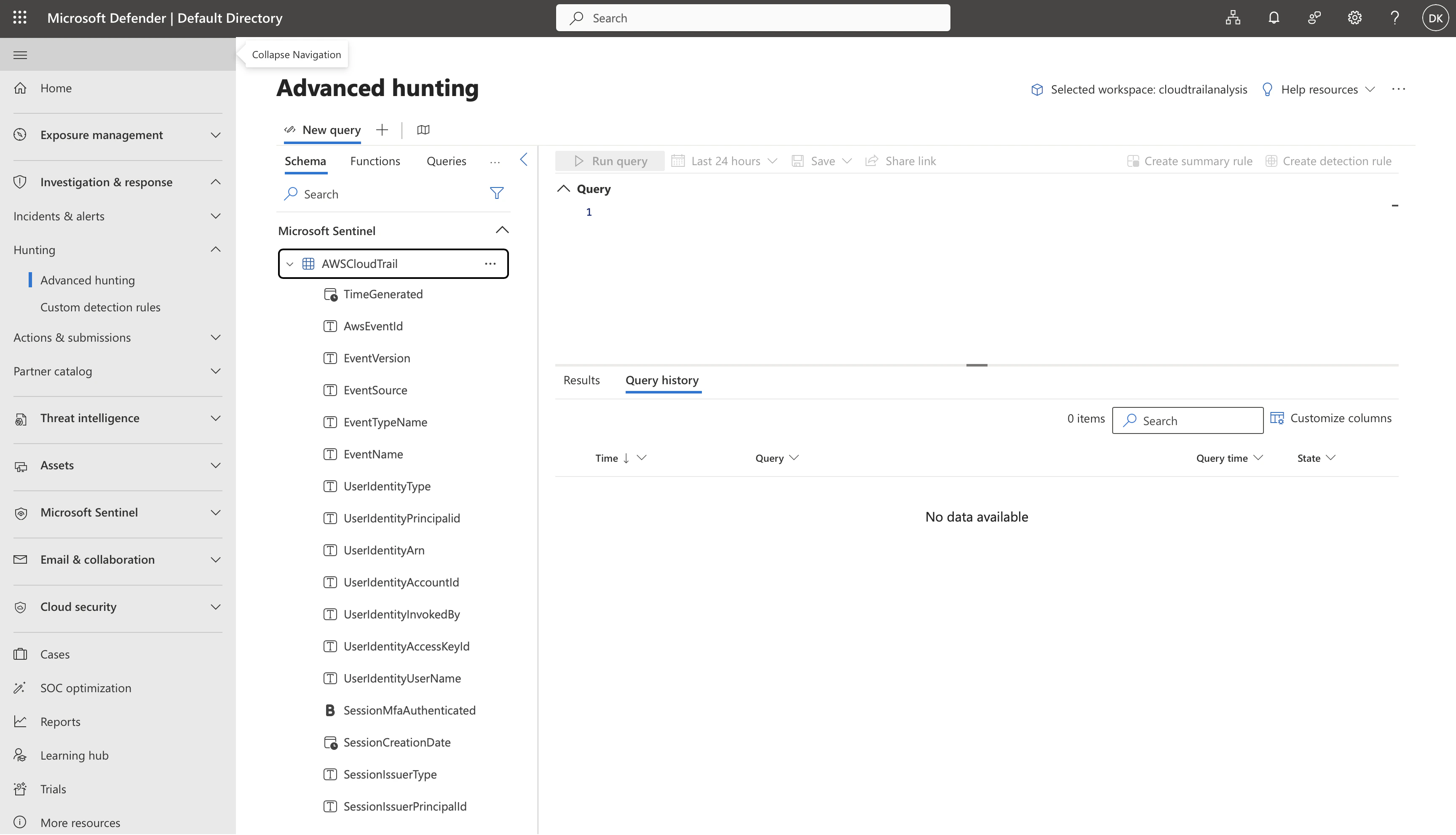
flaw.cloud CloudTrail Analysis
This dataset provides AWS attack techniques across various levels. Good for testing my knowledge! We will ingest these logs into Microsoft Sentinel and learn what is Sentinel and how to use it1. Getting started with Microsoft Sentinel
1.1 Creating the workspace
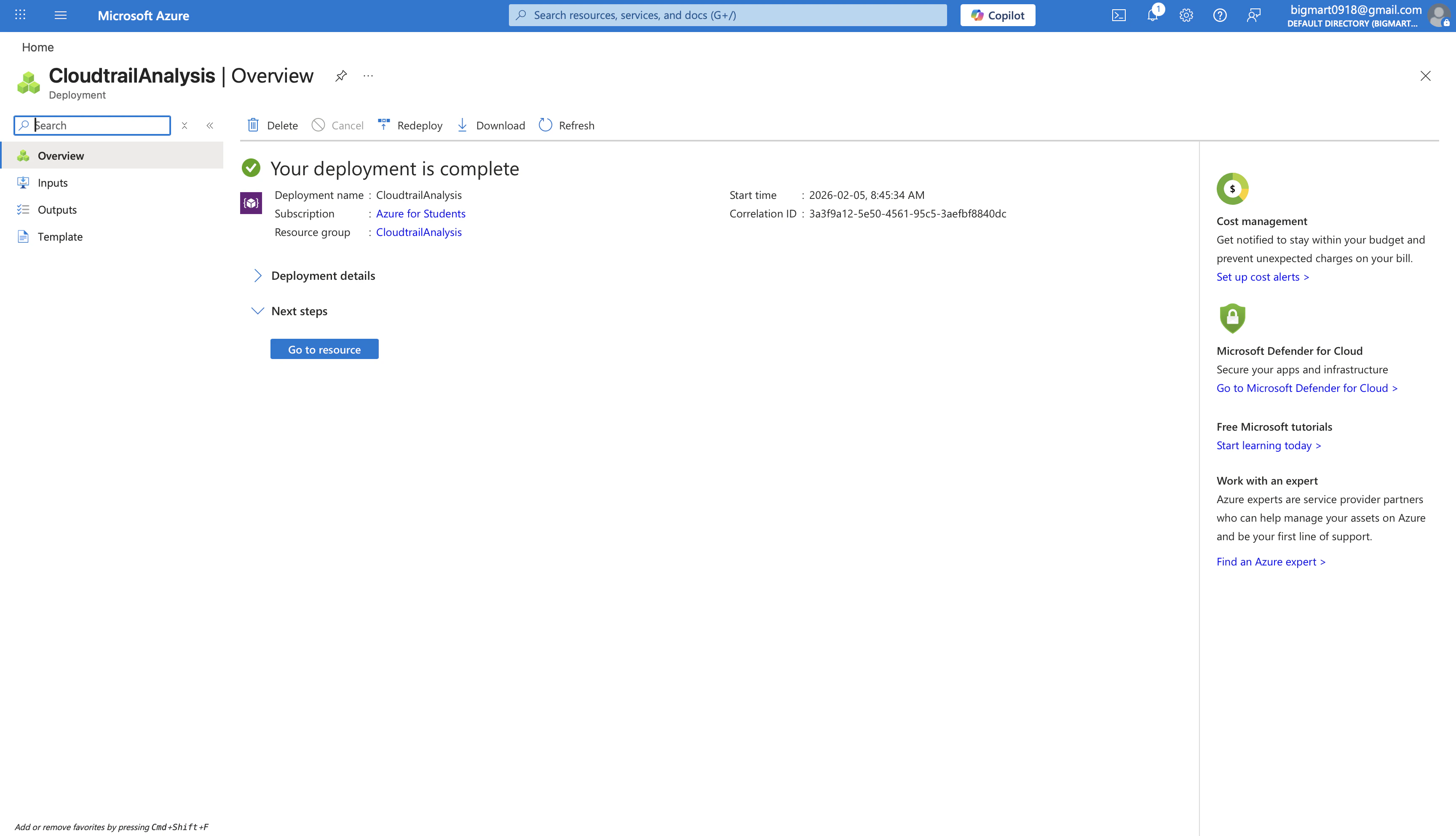
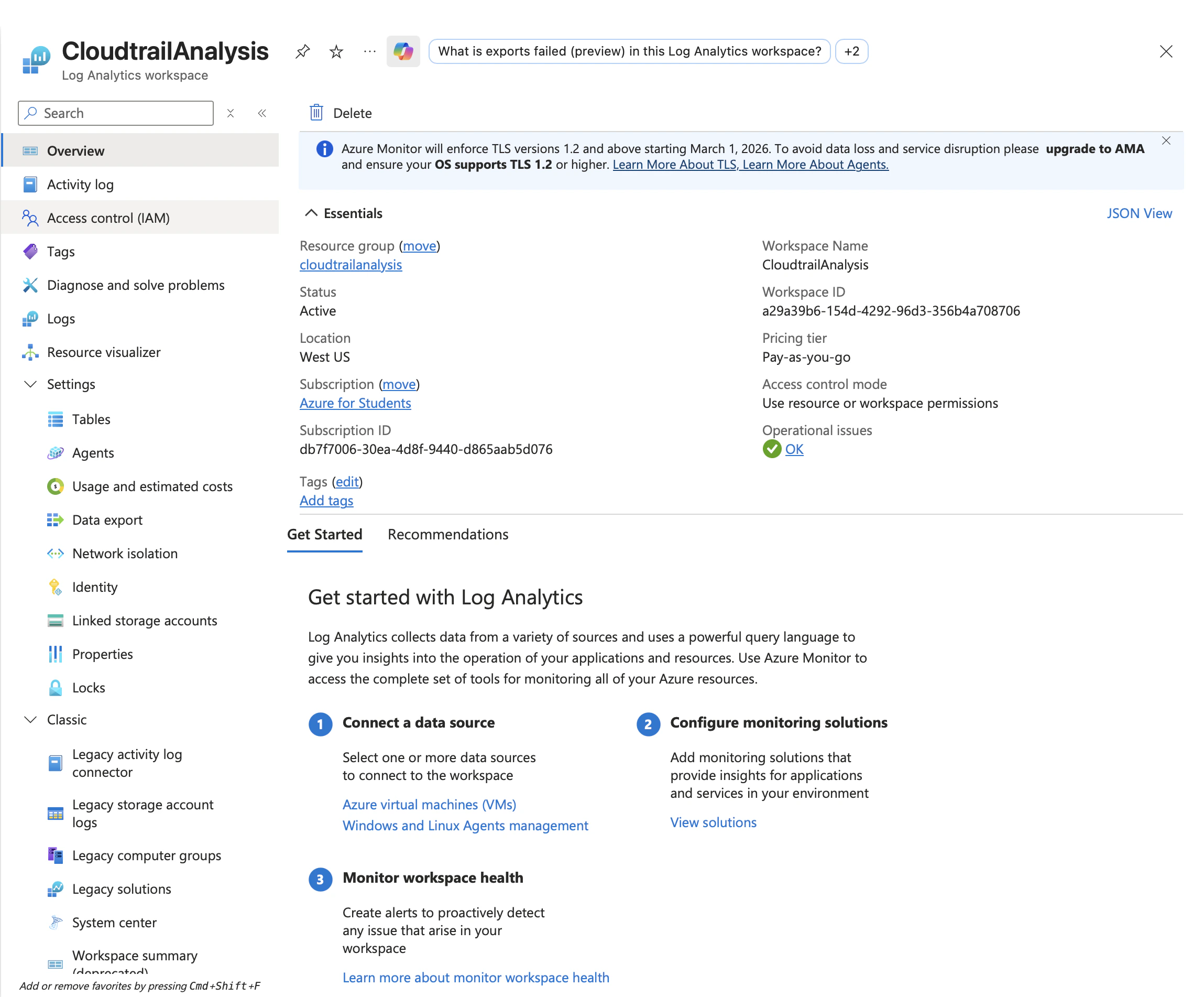
Microsoft Sentinel requires a Log Analytics workspace to store and query ingested data. So create the workspace. Quite shitty that Azure need to do everything manually… I miss AWS!!!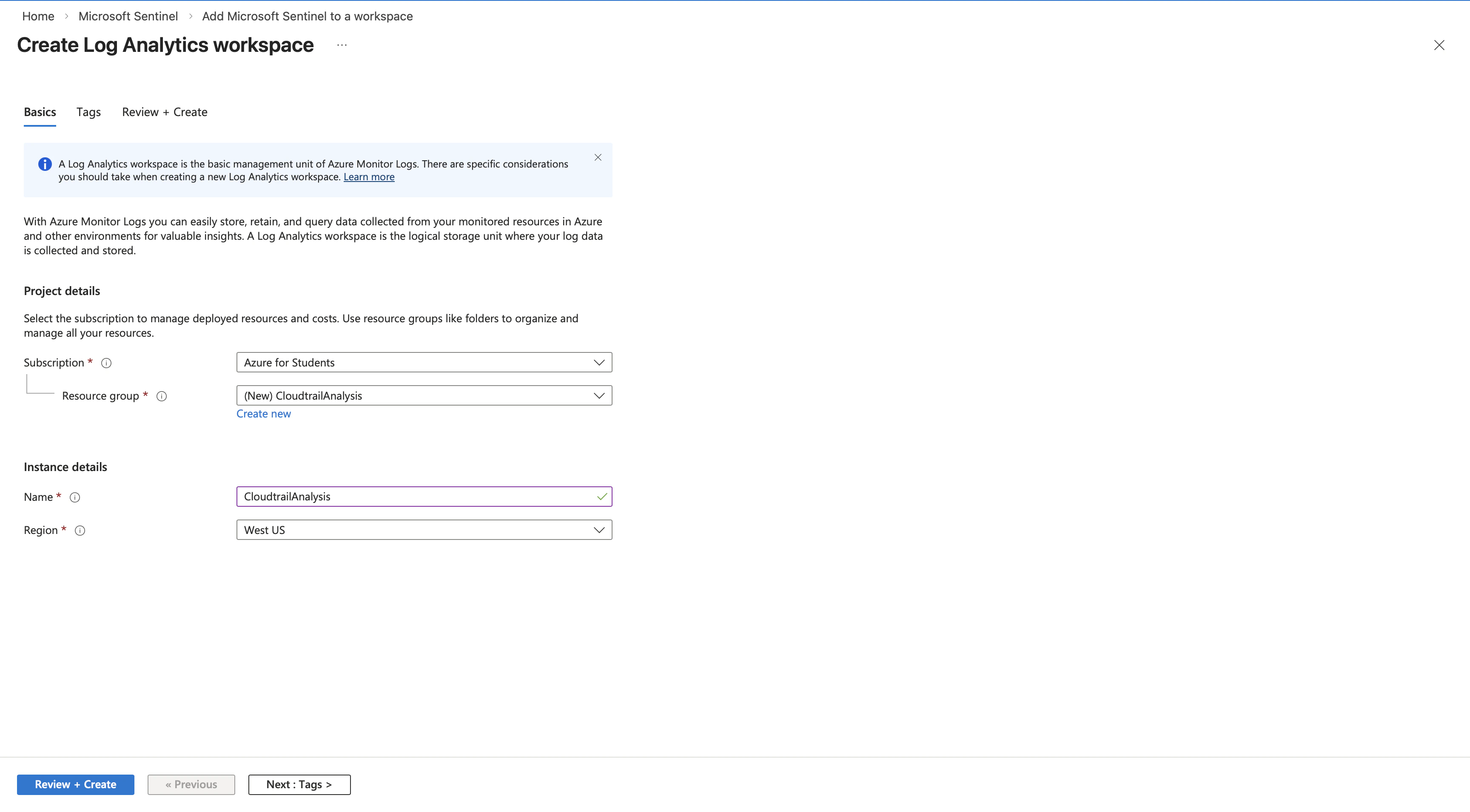
1.1 Install AWS Solution from Content Hub
Sentinel Data connector provides pre built solutions with data connectors, analytics rules, and hunting queries. We need the Amazon Web Services solution to parse CloudTrail log format.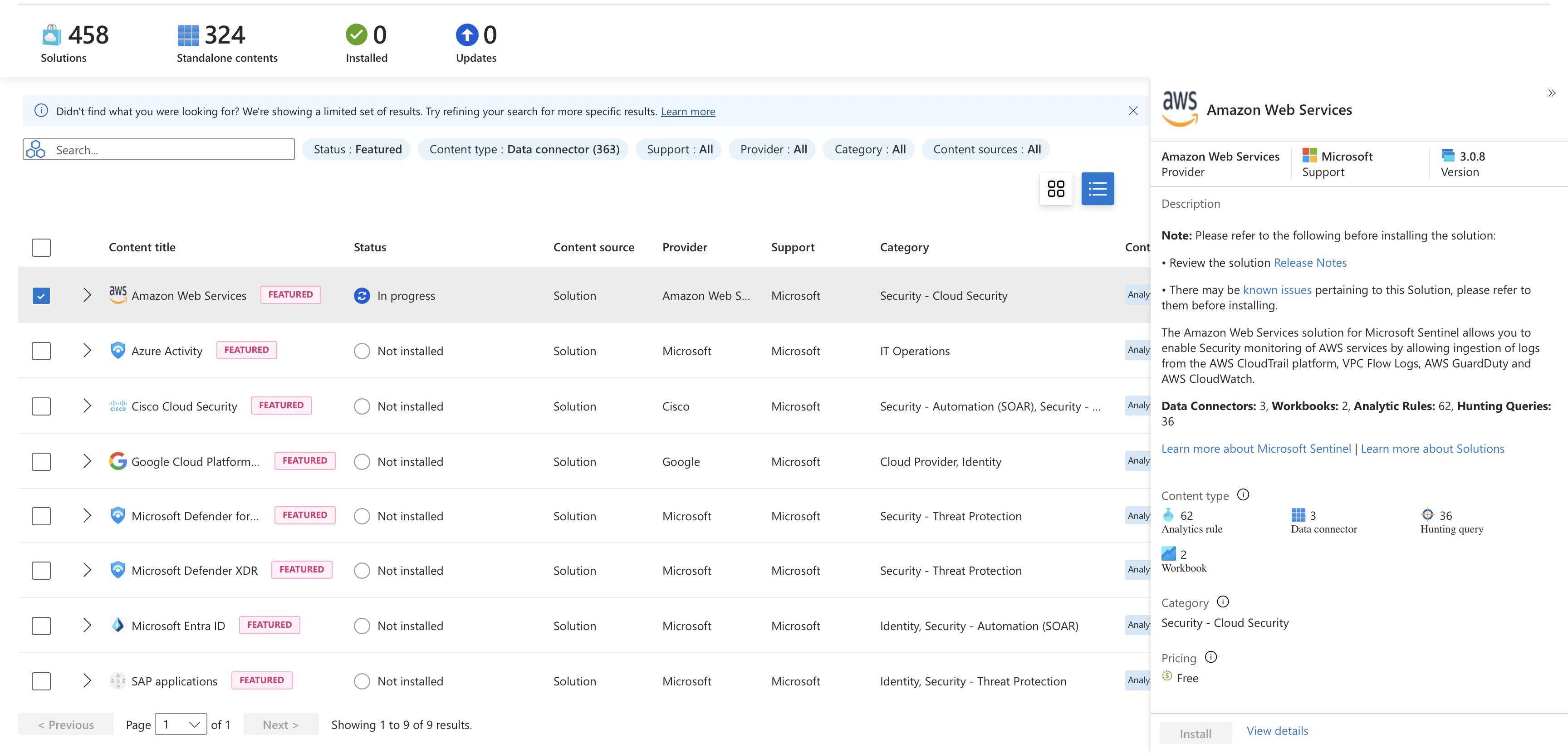
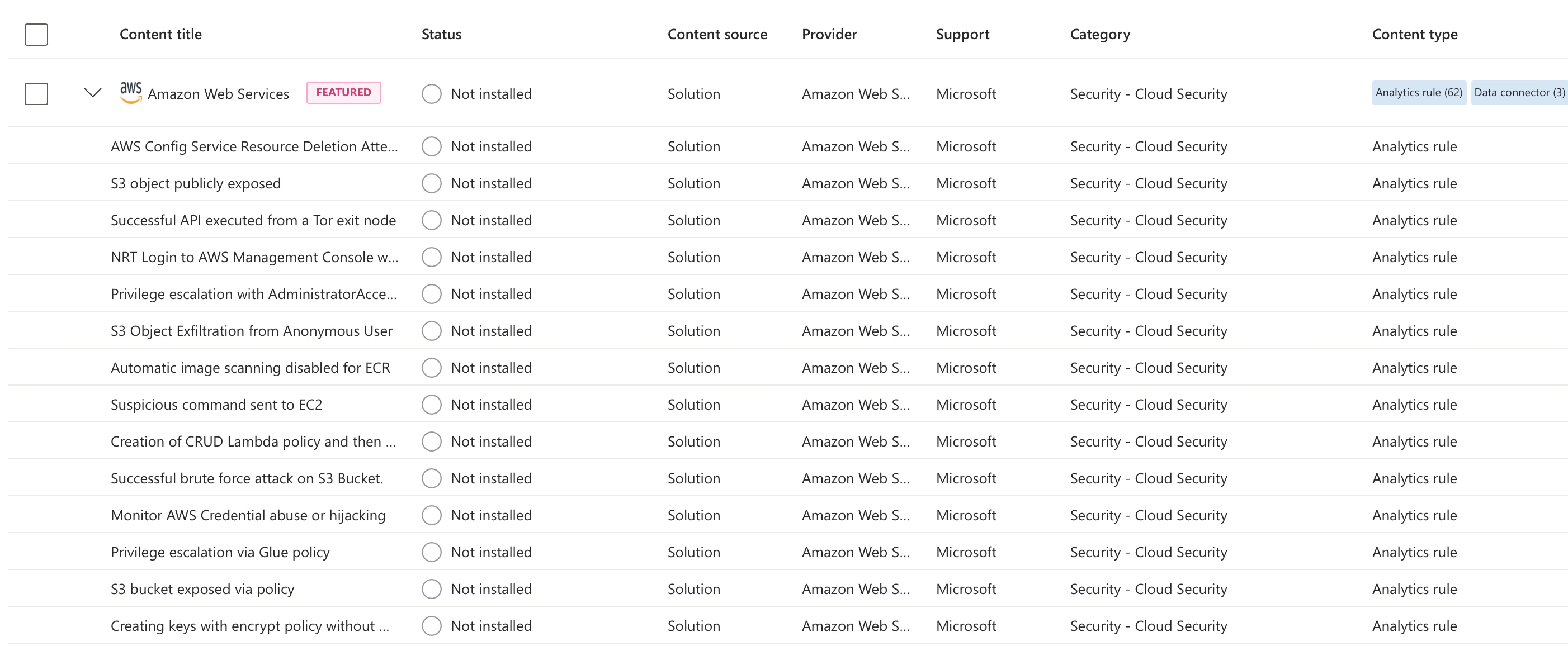
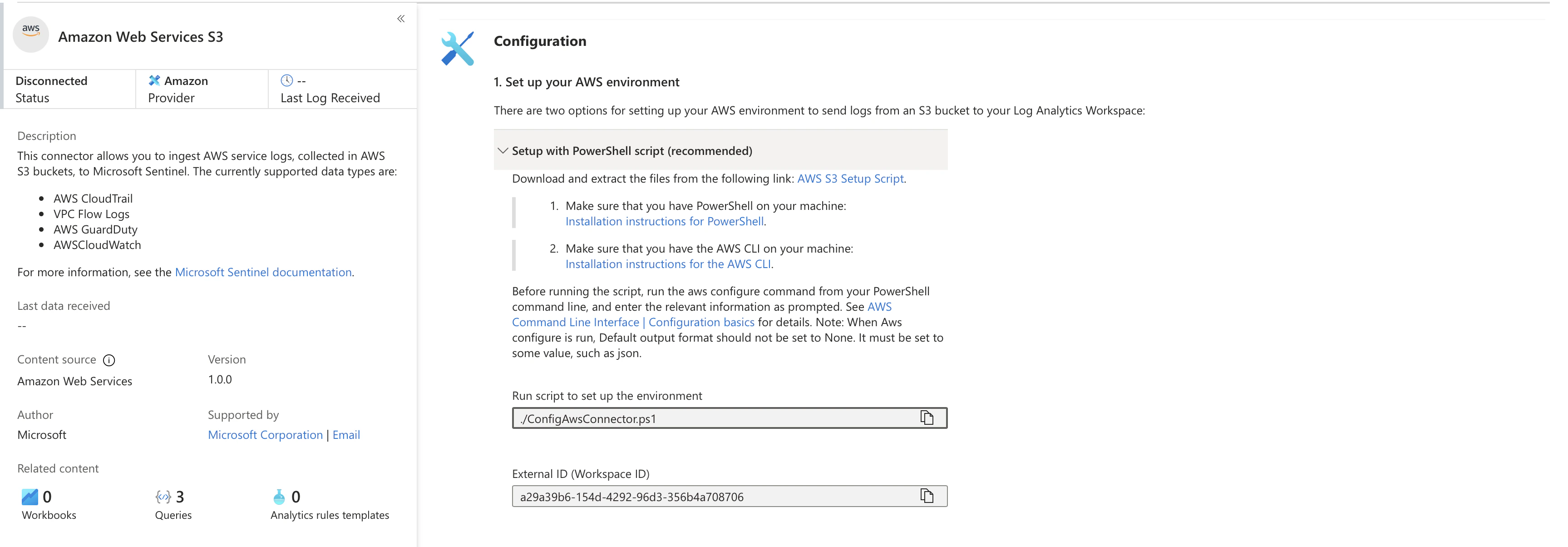
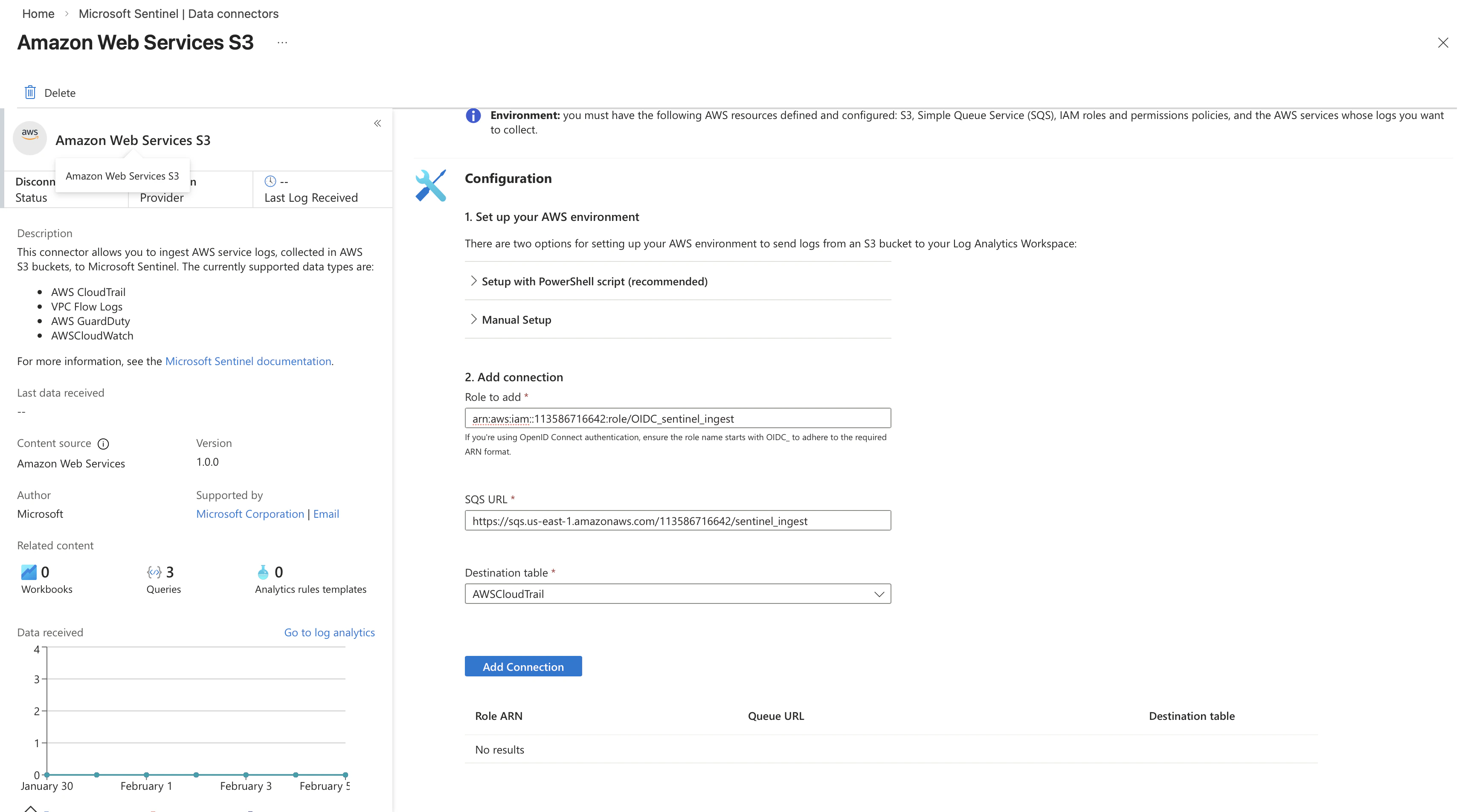
1.1.1 Configure AWS S3 Data Connector
1.1.2 Store Logs in AWS S3
The connector expects CloudTrail logs in an S3 bucket. Upload the flaw.cloud dataset files to an S3 bucket accessible by the connector role.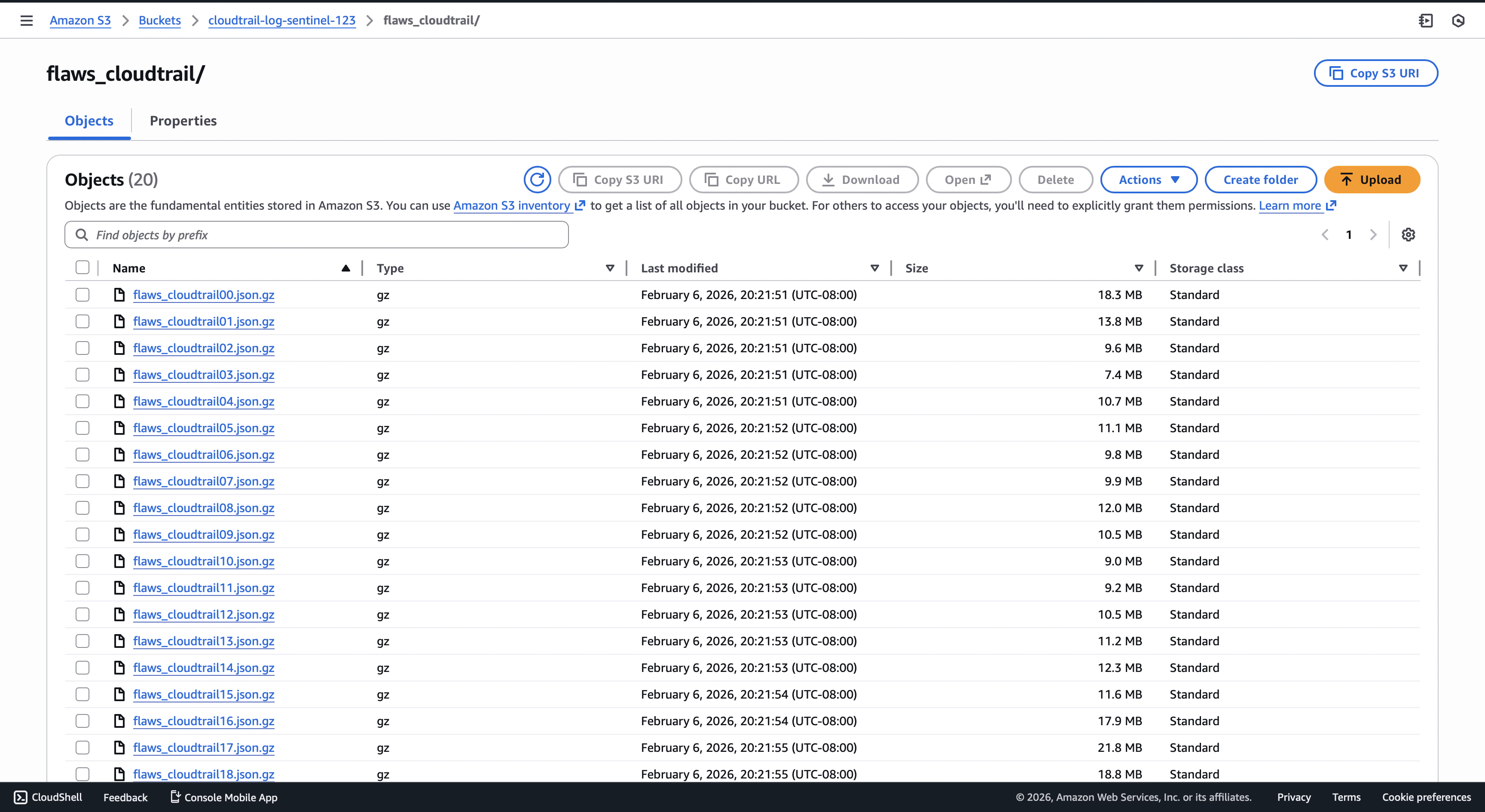
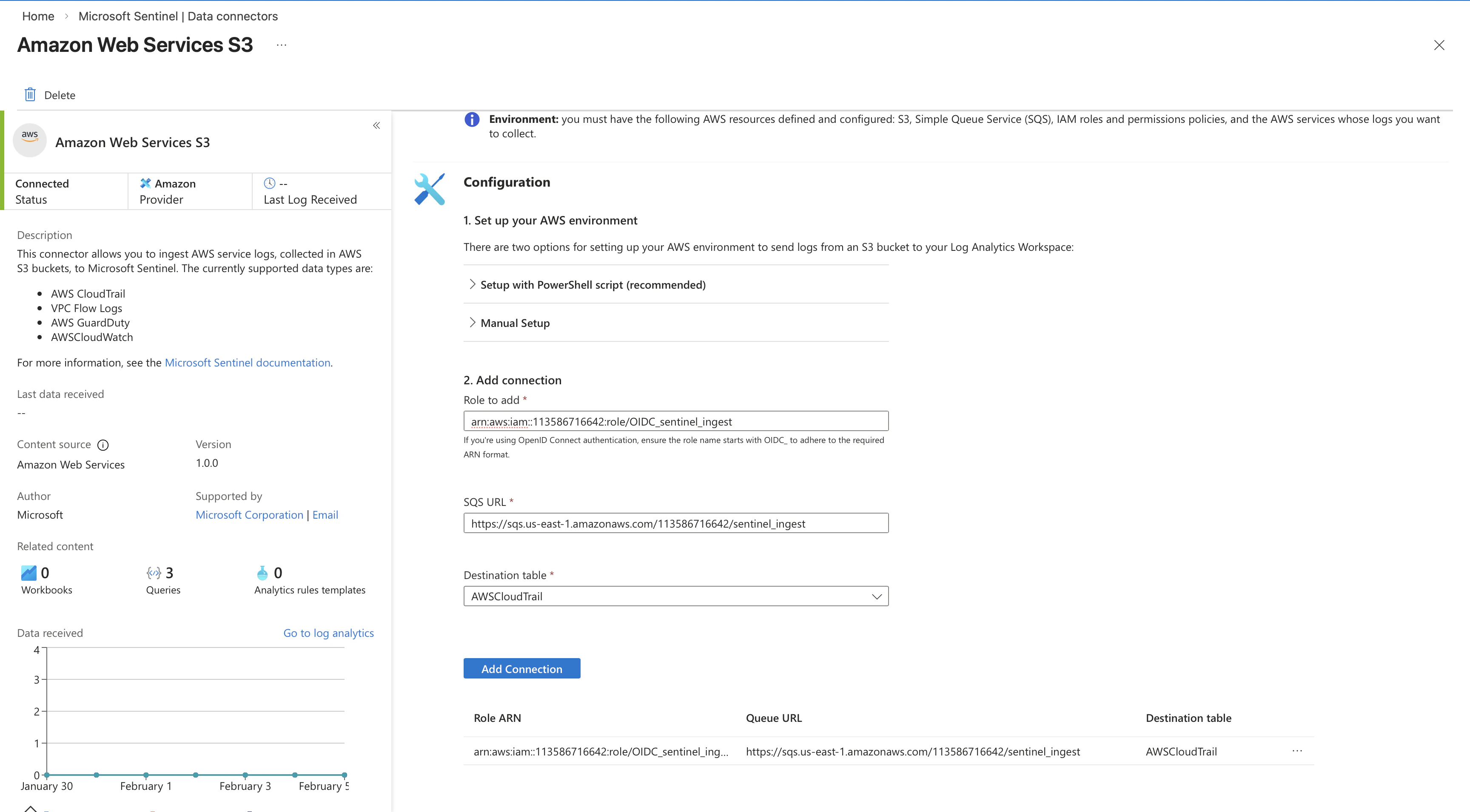
1.2 Validate
Check the table exists by typing here