

Enumeration
Run Nmap Scan
artcorp.htb. We are going to update the hostname.
Add Hostname
artcorp.htb to the hostname list as http is redirecting to the link
Directory Bruteforcing (Run Gobuster)
View Website
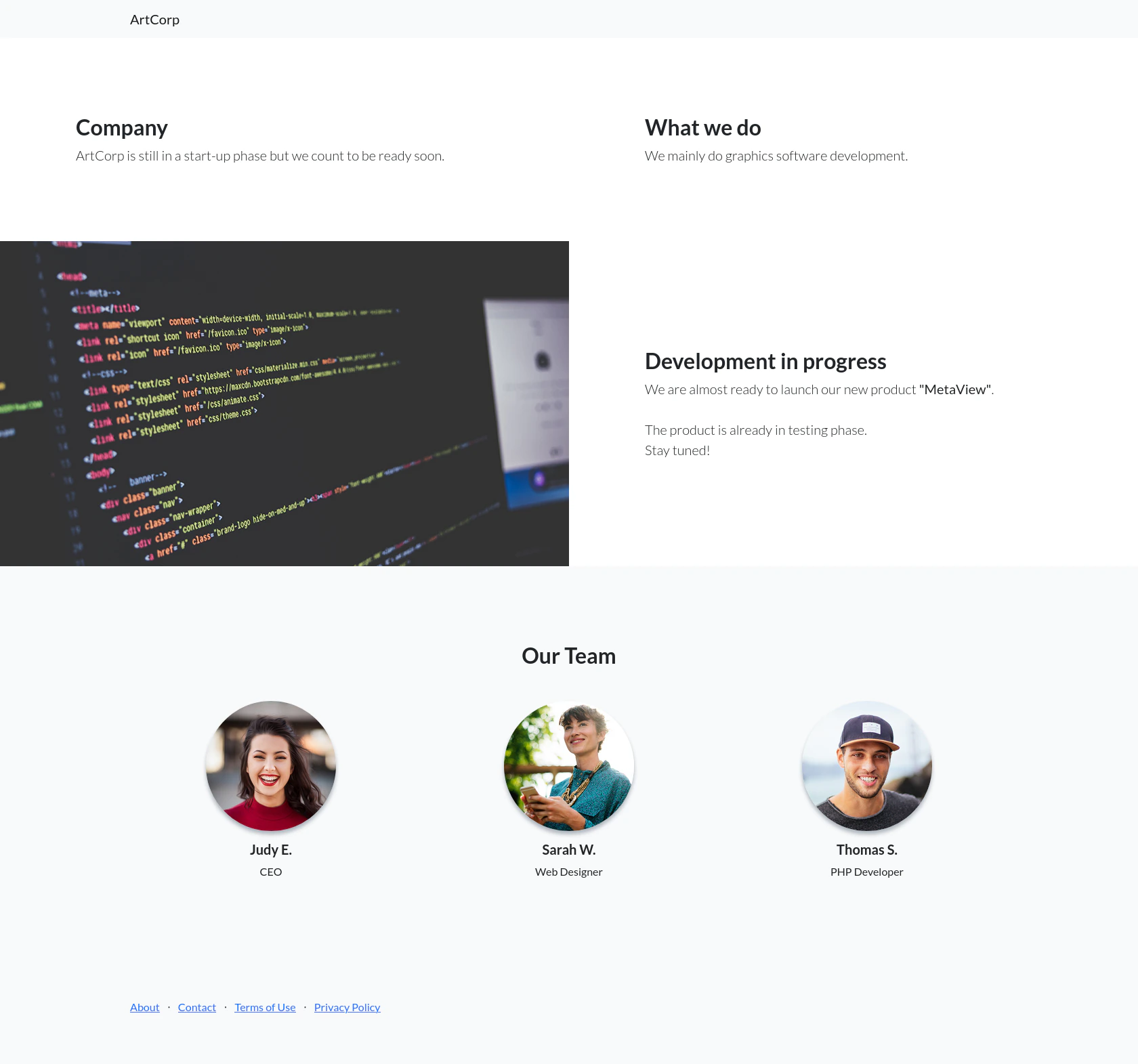
Enumerating the subdomain
dev01.artcorp.htb using the subdomain fuzzer.
Update Hostname
Exploitation
dev01.artcorp.htb (exiftool vulnerability)
View Website
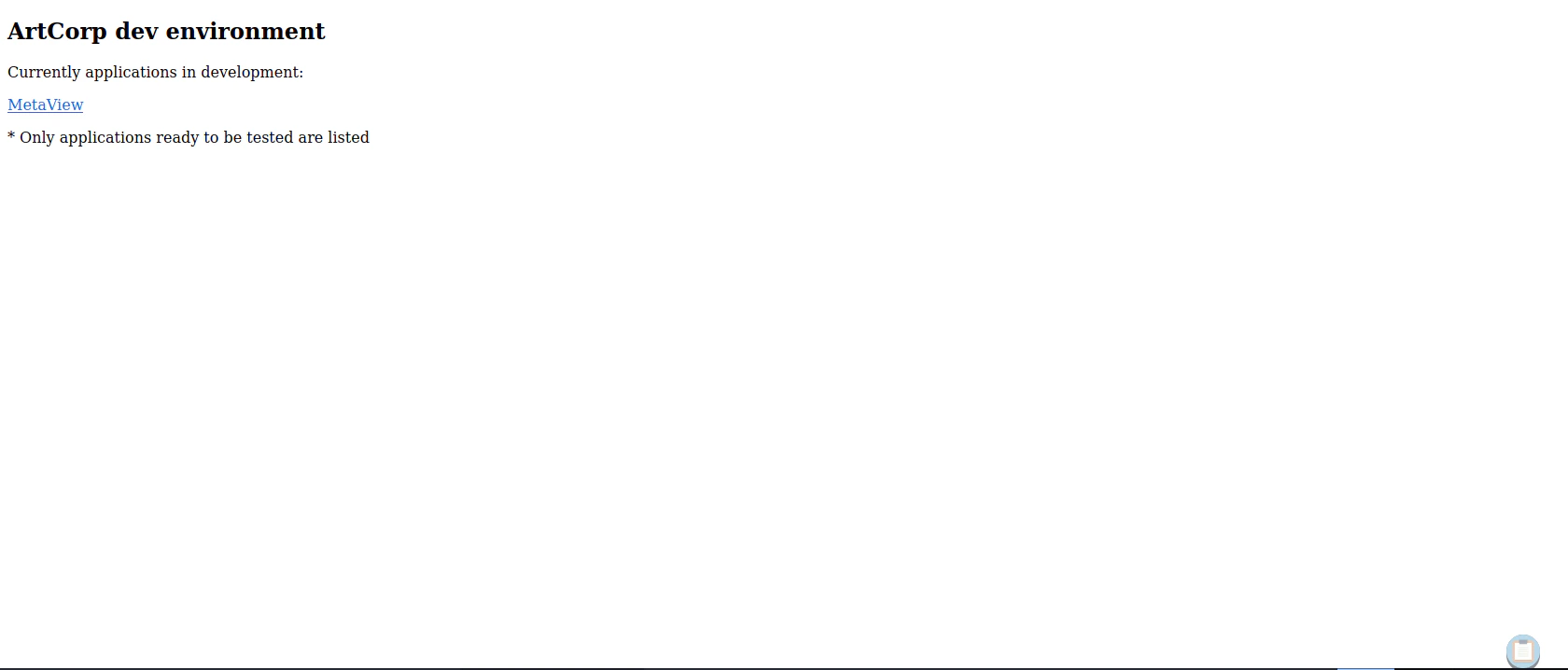
metaview button, it will redirect us to the image upload website
/metaview
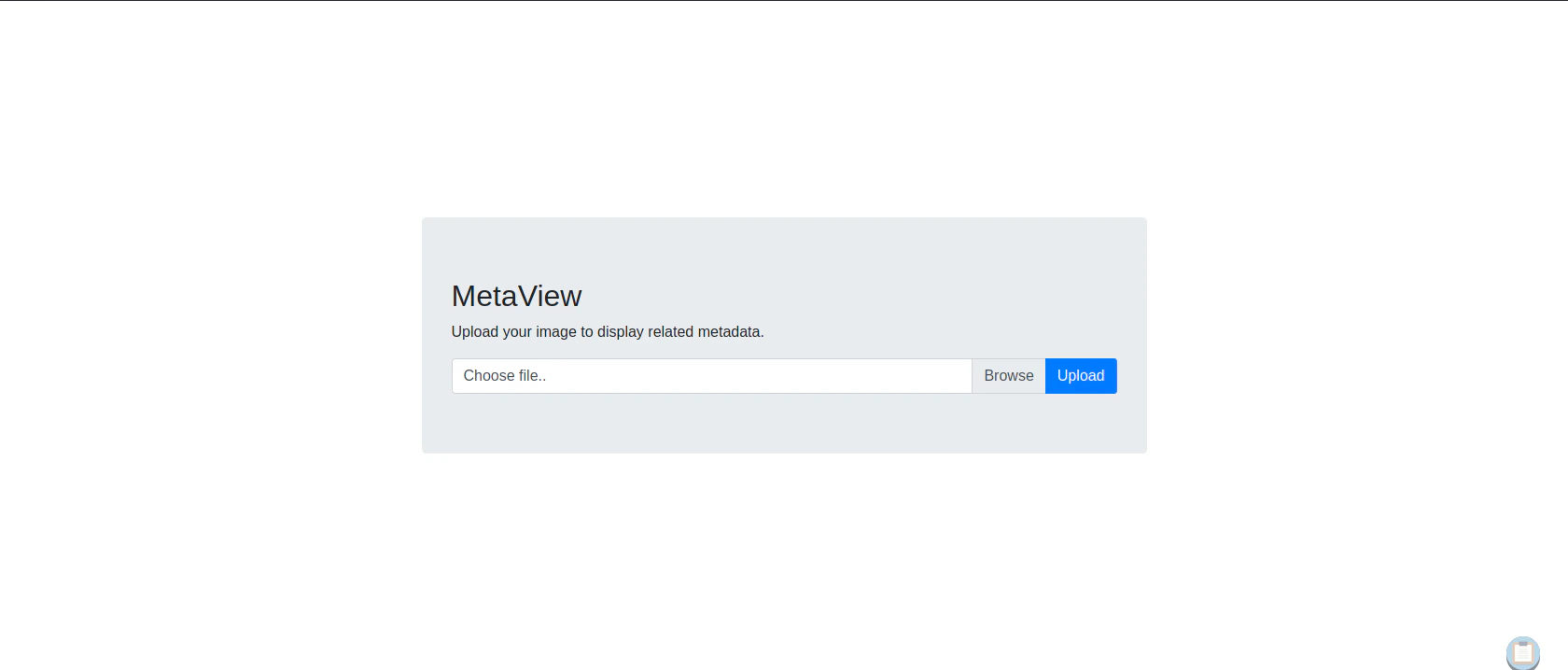
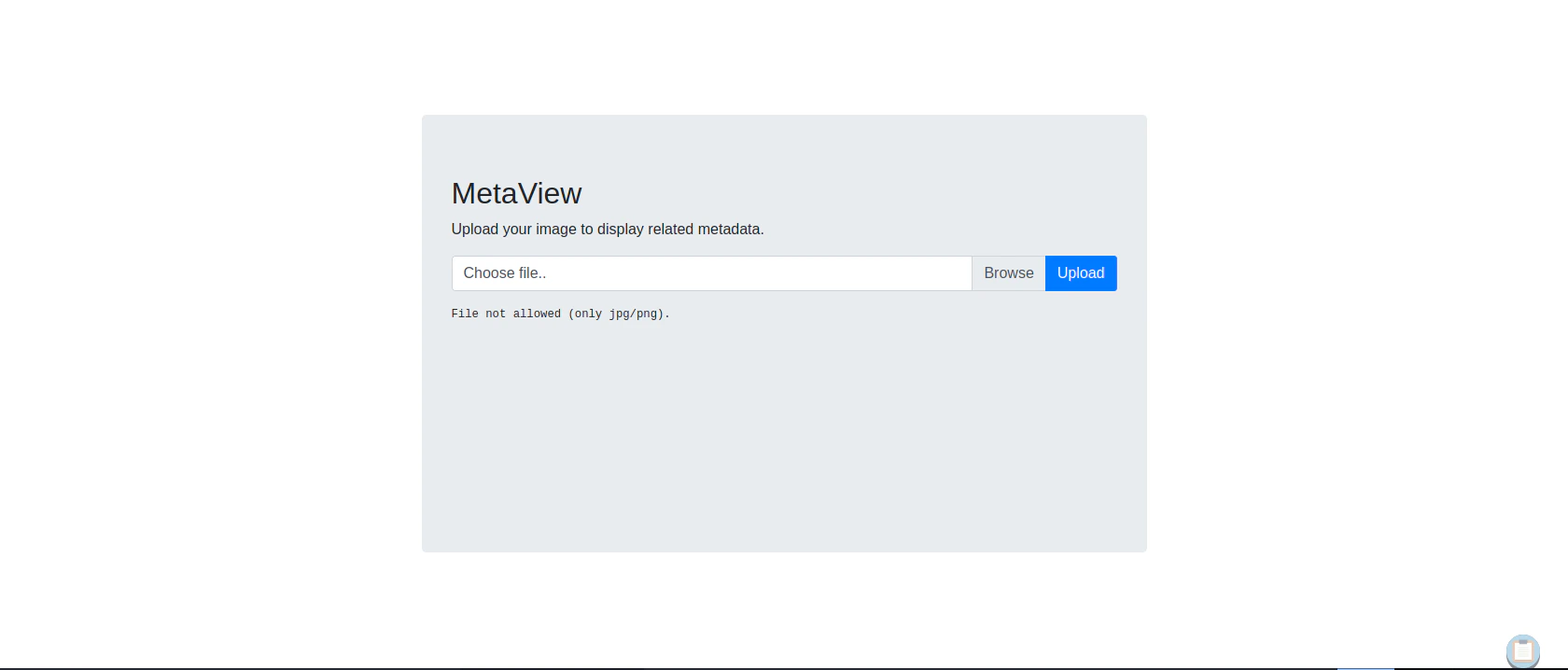
Testing in normal case scenario
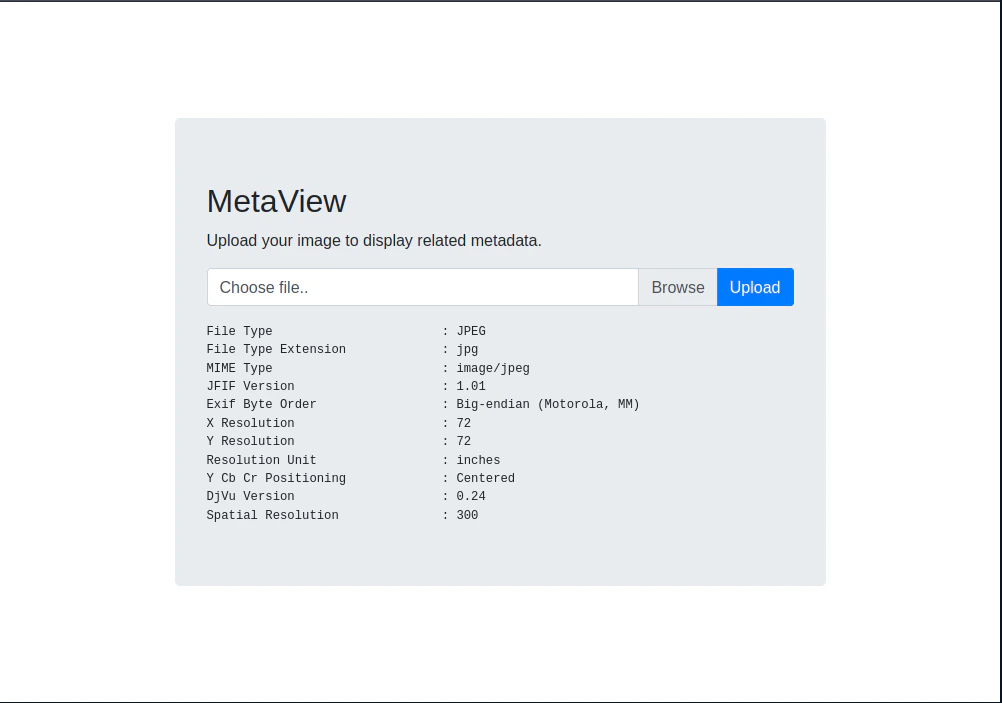
exiftool which is a metadata editor.
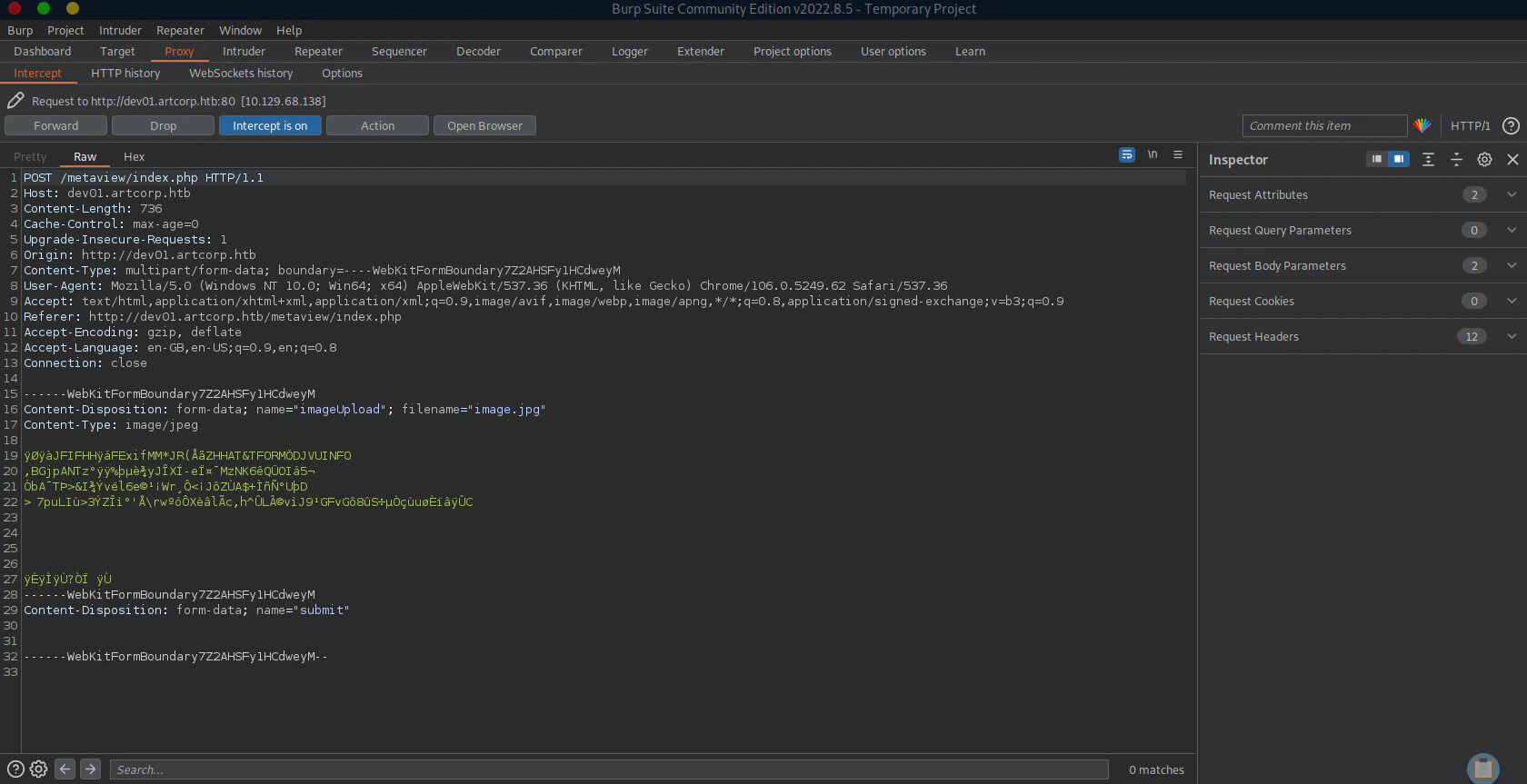
Searching for Exiftool Exploit
Generating Reverse Shell Embedded Image
Listen to Reverse Shell and Exploit
Privilege Escalation
www-data to thomas
Monitoring Processes using pspy
Download pspy64 https://github.com/DominicBreuker/pspy Execute pspy inside the target system/usr/local/bin/convert_images.sh with the permission of user thomas.
Unfortunately, abusing PATH variables are not allowed here as it uses full path
Checking Convert_Images.sh
mogrify program to format the file to png.
Checking Mogrify
Program Mogrify can be altered, but it is pointing to another programmagick
Exploiting ImageMagick (CVE-2020-29599)
exploit.svg is a script directly copied from the CVE_2020-29599 analysis blog.
Online - Reverse Shell Generator
The reverse shell (Bash -i Option) should be generated in base64 format
After copying base64 Bash -i Revshell code, replace the code with <reverse shell code>
/var/www/dev01.artcorp.htb/convert_images
Tip: make the filename as the image attribute xlink:href. The exploit will not work if the filename is different
Listen to Reverse Shell and Exploit
Thomas to Root
Checking Sudo Permissions
/usr/bin/neofetch \"\" in sudo permission without the root credentials
Adding malicious configuration file
sudo neofetch command.
Checking environment
Exploit
Reference
- https://nanobytesecurity.com/2021/09/13/web-config-file-upload-bypass.html
- https://gobiasinfosec.blog/2019/12/24/file-upload-attacks-php-reverse-shell/
- https://www.kali.org/tools/ncurses-hexedit/
- https://www.cybersecurity-help.cz/vdb/SB2020121303
- https://insert-script.blogspot.com/2020/11/imagemagick-shell-injection-via-pdf.html